AHFL 433 B2
■ 18
│
GB
│
IE
│
NI
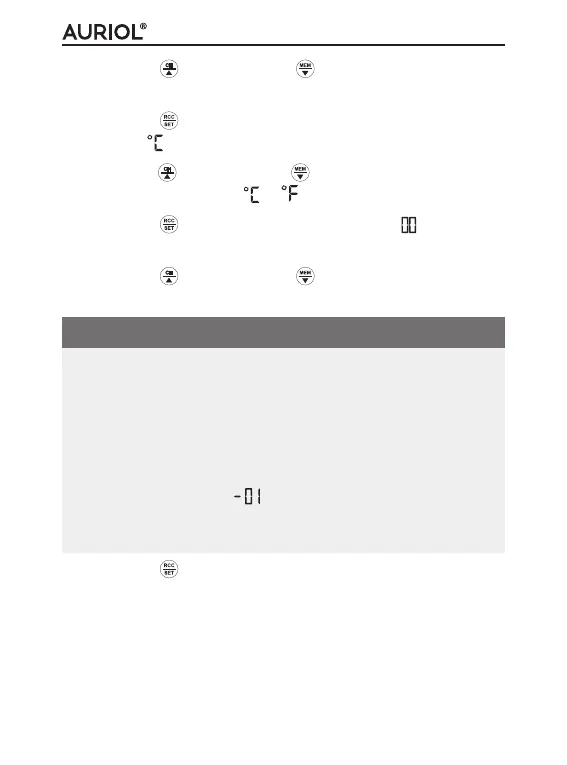
♦ Press the button or the button to set the desired
hour format (24-hour or 12-hour clock).
♦ Press the
button to confirm your entry. Time panel
flashes (displays temperature unit).
♦ Press the
button or the button to switch between
the temperature units (
or ).
♦ Press the
button to confirm your entry. (time zone
setting) flashes on the time panel.
♦ Press the
button or the button to set the desired
value.
NOTE
► If you are currently in a country in which the MSF signal
is still being received but the current time zone is differ-
ent, you can use the time zone settings to set the radio
weather station to the current time in your country.
► If you are in a country in which the local time is one hour
behind of Coordinated Universal Time (UTC) you should
set the time zone to
. The radio weather station is
still being controlled by the MSF signal but will display
the time as one hour behind MSF of UTC.
♦ Press the
button to confirm your entry. The display
will switch to basic mode.



 To Next Page