12 GB
Button Press once Press for ap-
prox. 3 sec.
CLOCK Switch display
between local
time, date and
day of the week
Set date and
time
ALARM Display and
active / deacti-
vate alarm time
Set alarm time
RAIN
HISTORY
Current precipi-
tation display
and precipitation
display for the
last 6 days /
weeks / months
WIND
ALARM
Display of Wind
Alarm and Wind
Chill Alarm
MEMORY Display of auto-
matically saved
min. and max.
values for tem-
perature, air
humidity, dew
temperature
(Dew Point),
temperature felt
by humans
(Heat Index),
wind chill (Wind
Chill) and wind
speed
▲ Settings
forwards
Settings fast-
forwards
▼ Settings back Settings rewind
Buttons – back side
Button Press once Press for ap-
prox. 3 sec
WIND AL
Switch the Wind
Alarm and Wind
Chill Alarm on
and off
Button Press once Press for ap-
prox. 3 sec.
WIND UNIT Set the wind
speed unit
(Beaufort, mph,
m / s, km / h or
knots)
RAIN UNIT Set the rainfall
quantity meas-
urement unit
(mm or inch)
Search for the
DCF-77 transmis-
sion signal
ZONE Switch between
local time and
world time
Set world time
C/F Switch from °C
to °F
SNOOZE /
LIGHT
Snooze function /
background
lighting
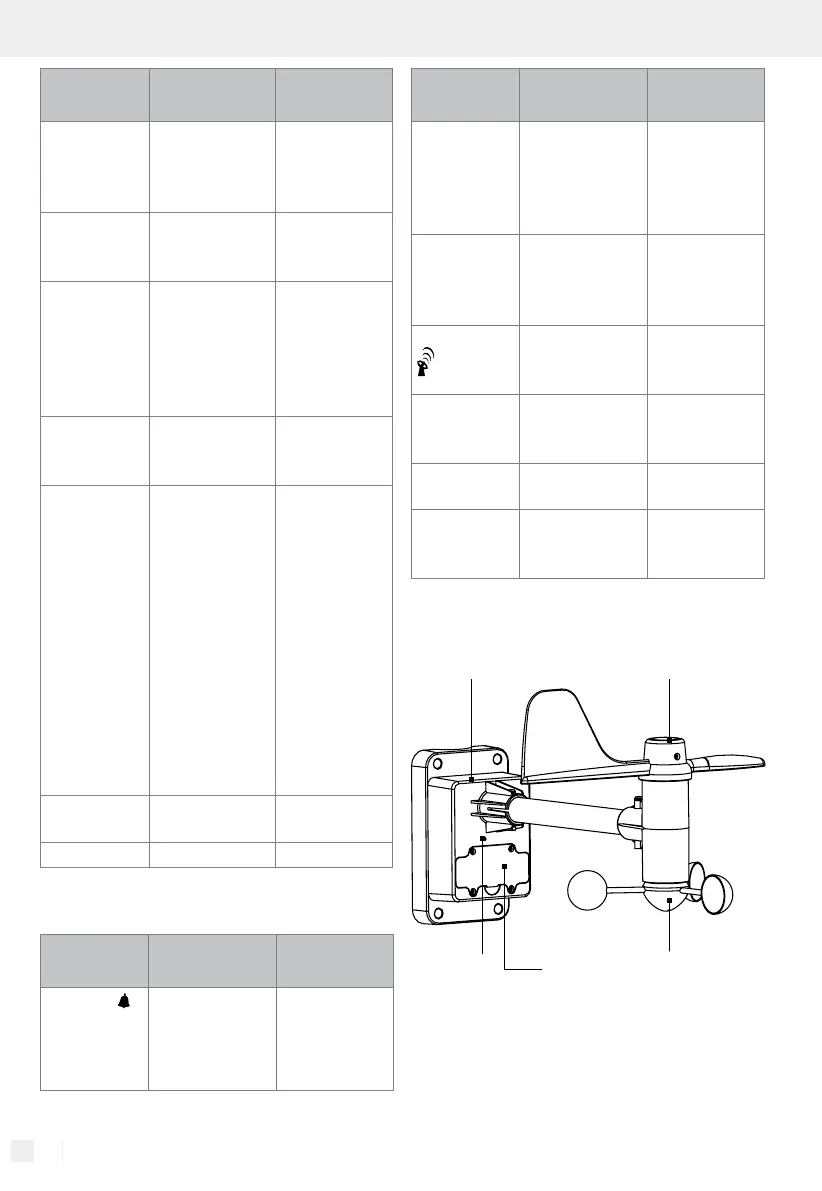
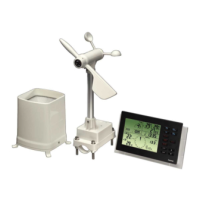
Wind gauge:
Vane with built-in compas
Wind wheel
Battery
compartment
Housing with built-in temperature
gauge and air humidity gauge
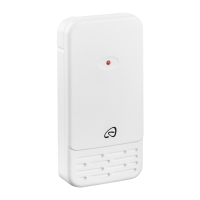
Transmission
signal LED


 To Next Page