18 GB/IE
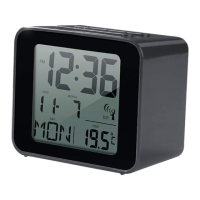
Press the MODE
2
button to confirm a setting. You will
automatically advance to the next programming step.
Note: If no changes are made for 20 seconds the radio con-
trolled alarm clock will automatically return to clock mode.
The following settings can be adjusted one after the other:
Program-
ming step
Setting Standard
display
Explanation
Setting the
time zone
0 Enter your time
difference from
Central Euro-
pean Time. The
time difference
can be set
ranging from
+12 hours to
-12 hours.
96388_aur_Funkwecker_content_GB_IE_SE_DK.indd 18 20.02.14 12:40



 To Next Page