QUICK START GUIDE
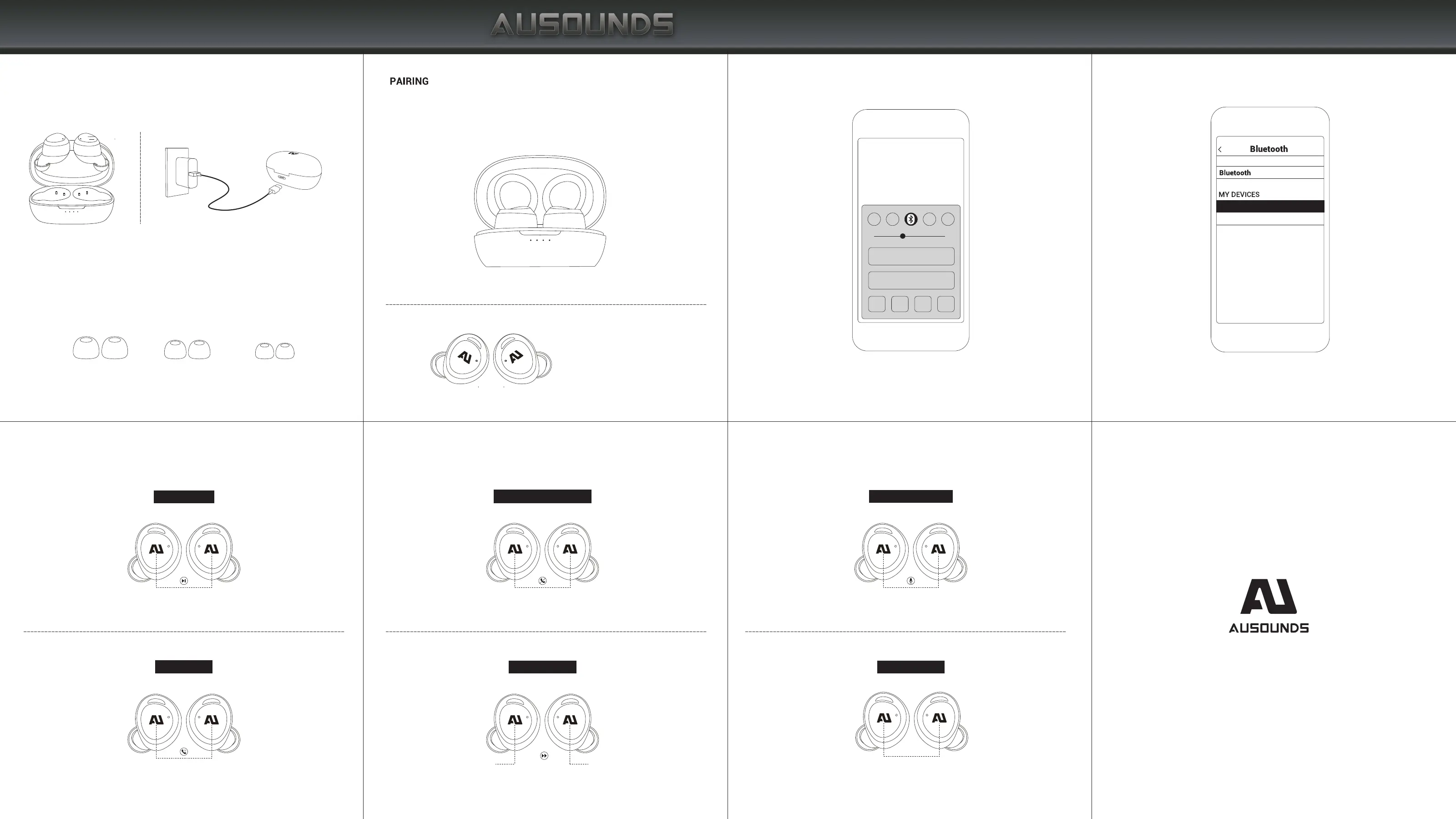
FIND YOUR FIT
Choose the size of the silicone ear tips that provide a secure
and comfortable fit for the perfect audio seal.
Not pairing with your device?
Try restarting your device; then repeat pairing process.
CHARGE THE EARBUDS AND CASE BEFORE USE
L M S
The blue light on the earbuds
flashes quickly
2. Turn on Bluetooth
®
on your device.
AU-STREAM HB
3. Select AU-STREAM HB.
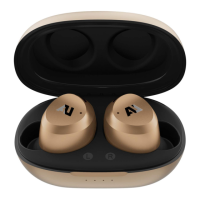
1.Open the battery compartment cover and remove the earbuds, the
earbuds will turn on automatically. Entering pairing state after 10 seconds
CONTROLS
On the Left or Right Earbud
Play/Pause Music
Tap once
Answer the call
Tap once
Refuse to answer/hang up call
ANC mode toggle
Next Track
Tap twice on Right earbud
Previous Track
Tap twice on Left earbud
Tap and hold for 2 seconds
Tap and hold for 3 seconds
Skipping tracks
Tap three times
Activate voice assistant
ANC


 To Next Page