QUICK START GUIDE
Bluetooth
Bluetooth
AU-Stream
MY DEVICES
2. Turn on Bluetooth
®
on your device.
3. Select AU-Stream ANC
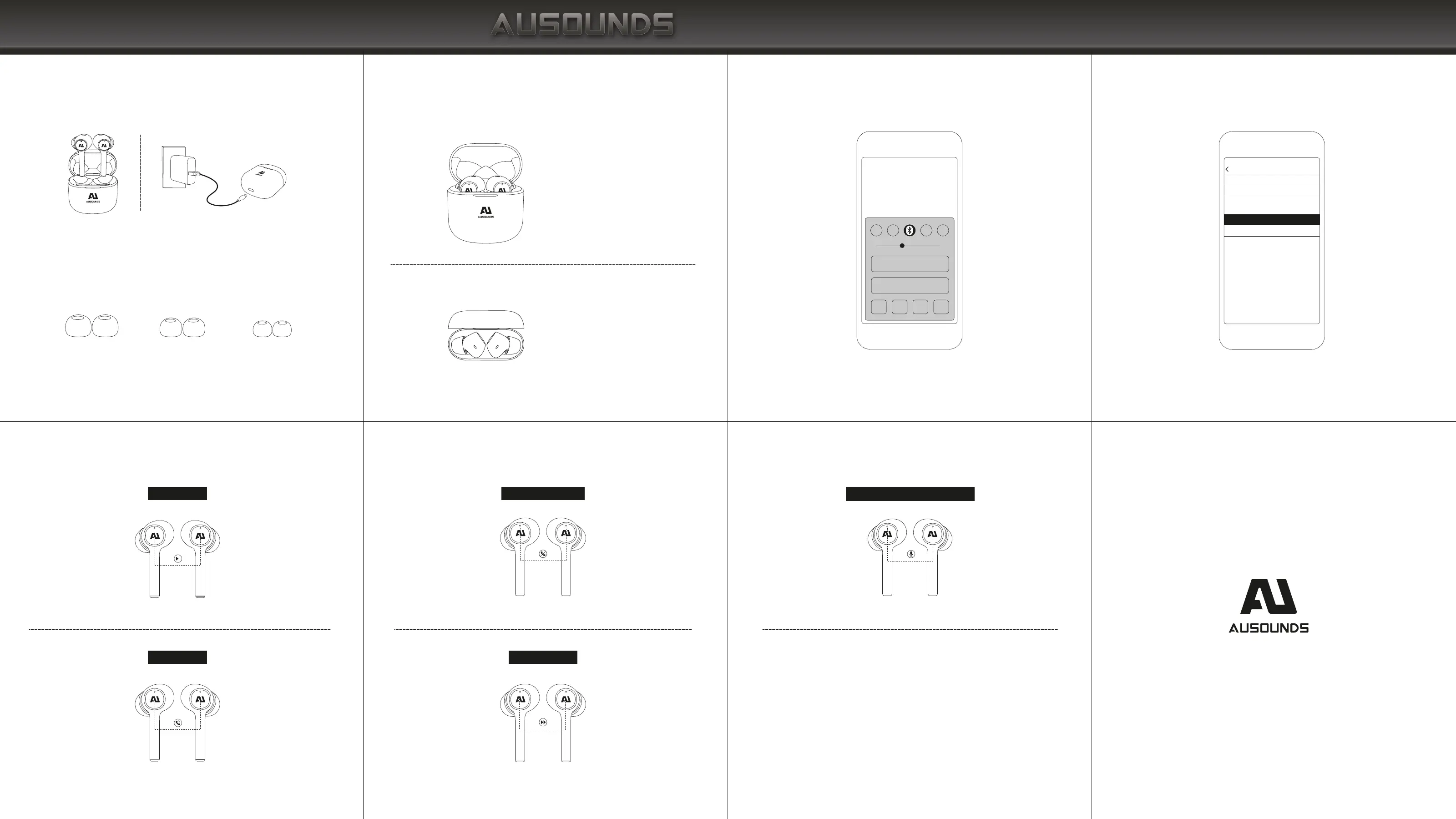
CONTROLS
On the Left or Right Earbud
The first and fourth indicators of
the charging case flash quickly
To pair, keep earbuds in case
L M S
Play/Pause Music
Answer/End calls
Long press for 1 second
Double tap
Refuse to answer the call
Skip to Next Track
Tap once
Tap once
CHARGING THE EARBUDS AND CHARGING
CASE BEFORE USE
FIND YOUR FIT
Choose the size of the silicone ear tips that provide a secure
and comfortable fit for the perfect audio seal.
PAIRING
1. Open the battery cover and the headset will automatically
turn on. Press and hold the base button 2 seconds to enter the
Bluetooth pairing status.
Not pairing with your device?
Try restarting your device; then repeat pairing process.
Tap 3 times
Activate Siri or Other Voice Assistants


 To Next Page