ASSEMBLY
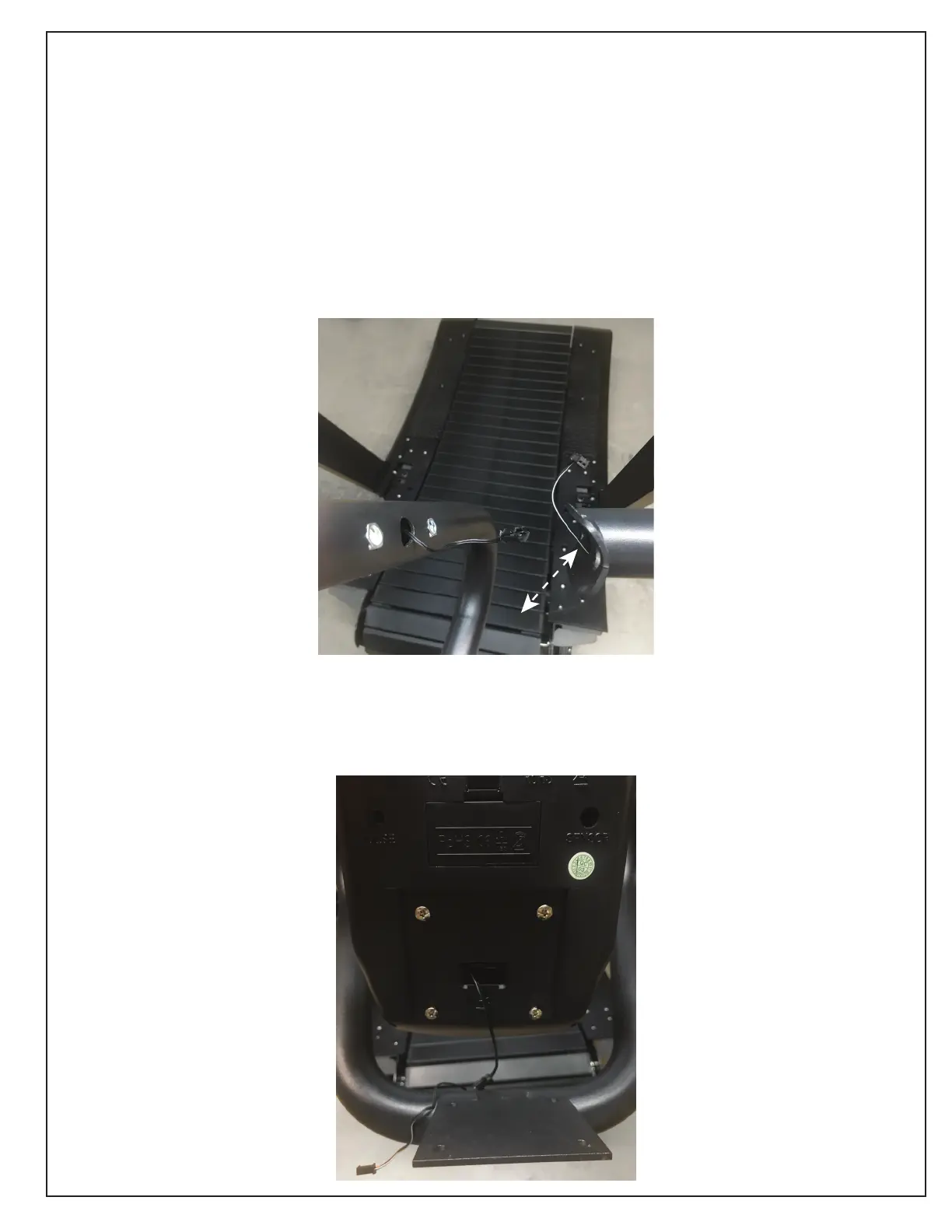
Attach center column by :
1. removing bolts
2. Holding the center column in connecting position
*best with two people so one person can hold the the center column with holes lined up*
3. attaching the computer cables and sliding back into hole
4. Fasten with the nuts
*Be careful not to cross thread the nuts*
5. Adjust the center console so that it is straight.
(The arms will have little play if not tighented all the way)
6. go back and TIGHTEN the 4 arms bolts at base.
Insert batteries into the exercise computer.
attach the two wires together.
unscrew screws and attach to center column.



 To Next Page