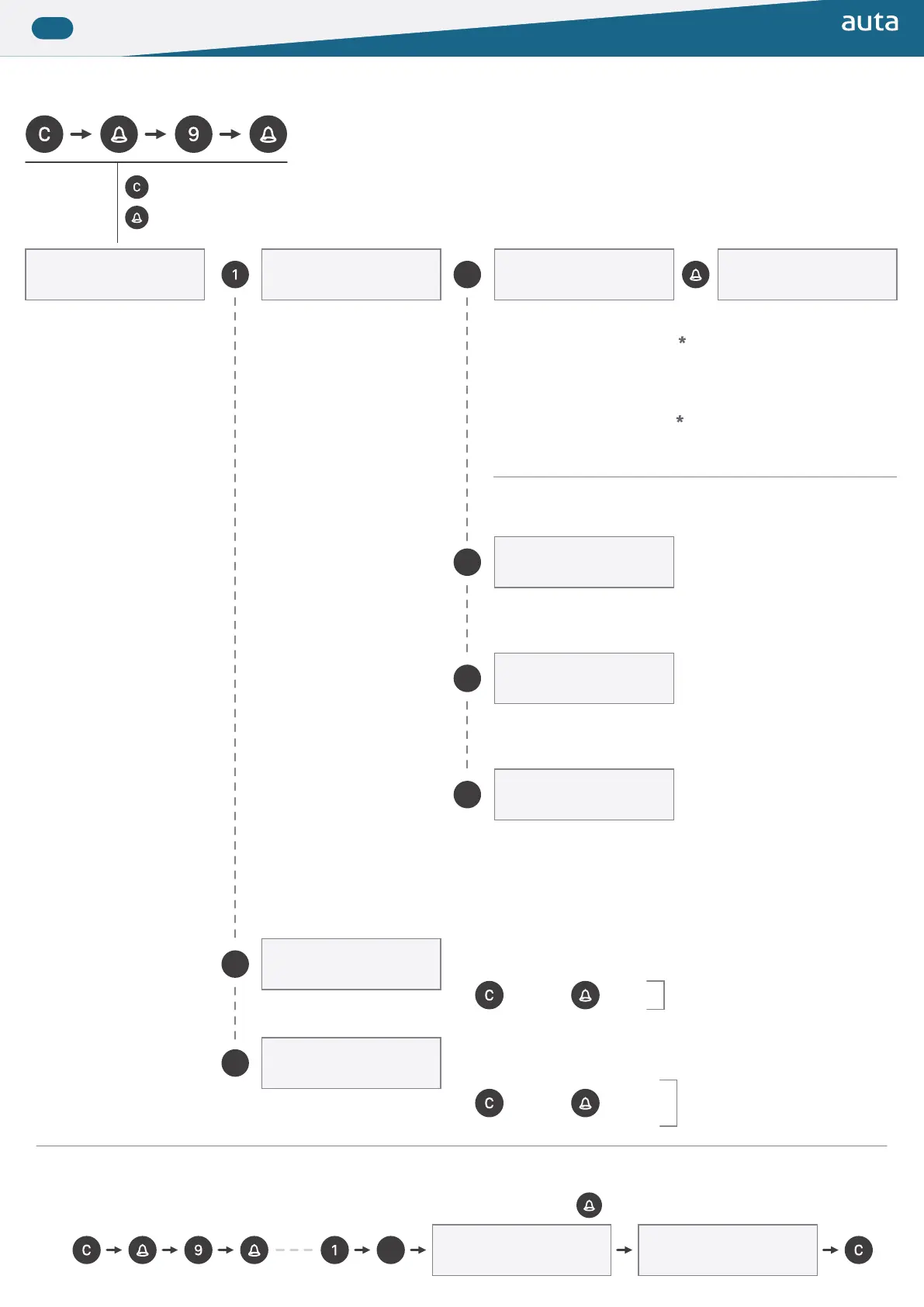
▶ Menu, base de datos de viviendas (opcional) Menu, database of lats (optional)
ADD: 1 BORRA: 2
MUESTRA/CAMBIA: 3
Manual: 4 Auto: 5
Remoto: 6 Otros: 7
Borrar TODO?
Recepción...
1 - 254: 8 P→PC: 9
* Campo disponible si la placa está conigurada como EXTERIOR
* Field available if the panel is set as EXTERNAL
m/t: 1 SDL: 1
llamada: 1
m/t: 1 SDL: 1
llamada: 1
m/t: 1 SDL: 1
llamada: 1
m/t: 1 SDL: 1
llamada: 1
m/t: 1 SDL: 1
cod apert: 000000
m/t: 1 SDL: 1
cod apert: 000000
Atrás_Salir
Back_Exit
Validar_Cambiar
Validate_Change
m/t (código binario del monitor/teléfono)
SDL (código binario del SDL)
llamada (código que se desea usar para llamar, hasta 9 dígitos)
cod apert. (sin uso)
m/t (binary code of the monitor/phone)
SDL (binary code of the SDL)
call (code we want to use for to call, up to 9 digits)
opening code (not used)
Borra la base de datos completa
Erases the full database
Esperando recibir base de datos desde PC (interface USB Auta)
Waits to receive a database from PC (Auta USB interface)
Borrar el registro que aparece en pantalla
Deletes the register that appears in the display
Permite navegar y modiicar cualquier registro
Allows to navigate and modify any register
Avanza
Next
Avanza
Next
Borra
Delete
Cambiar
Change
1 - 254 (crea una base de datos con 254 registros)
P→PC (transmite la base de datos a un PC) (interface USB Auta)
1 - 254 (creates a database of 254 registers)
P→PC (transmits the database to a PC) (Auta USB interface)
* Para salir presionar cualquier número
* Para salir, estando en el campo
“Cod. Apert.” presionar “C“
* To exit press any number
* To exit, once you are in the ield
“Opening code” press “C“
■ Ejemplo de como crear un registro manualmente Example of how to create a register manually
Menu Add Manual
Salir
Exit
Rellenar presionando
Fill by pressing
Cuando parezca esta pantalla
When that screen appears


 To Next Page
 Loading...