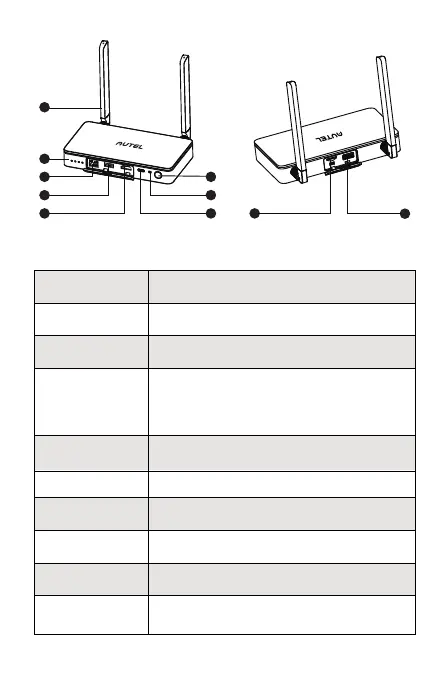
10
9
1
8
2
3
4
7
5 6
Communicate with the aircraft via RF signal.
Battery level indicators. Please refer to 3.3
for more information.
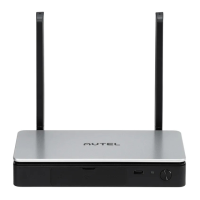
➀ Antenna
➁ LED battery
level indicators
Charging port.
➂ Ethernet port
Upgrade the Live Deck 2 through TF card.
External interface*
*Exact function will update later on official website.
➃ USB Type A 1
➄ HDMI port
➅ Type-C port
➆ Pairing button/
indicator
⑧ Power button
⑨ TF card port
⑩ USB Type A 2
Connects to computer, supports real-time
video streaming via RTMP.
Connects to a monitor that supports video
outputs via HDMI.
Use to pair with aircraft.
Please refer to 4.2 for more information.
Press and hold the power button for 2s to
turn on/off the Live Deck 2.
Connects to Type-C port of Autel Smart
Controller through USB Type-A 1 port of Live
Deck 2 for function settings. Please refer to
4.3 for more information.


 To Next Page
 Loading...