EasyManua.ls Logo

Avantco Equipment IC3500 - User Manual

Avantco Equipment IC3500
4 pages
Print Icon
To Next Page IconTo Next Page
Loading...
User Manual
www.AvantcoEquipment.com 1
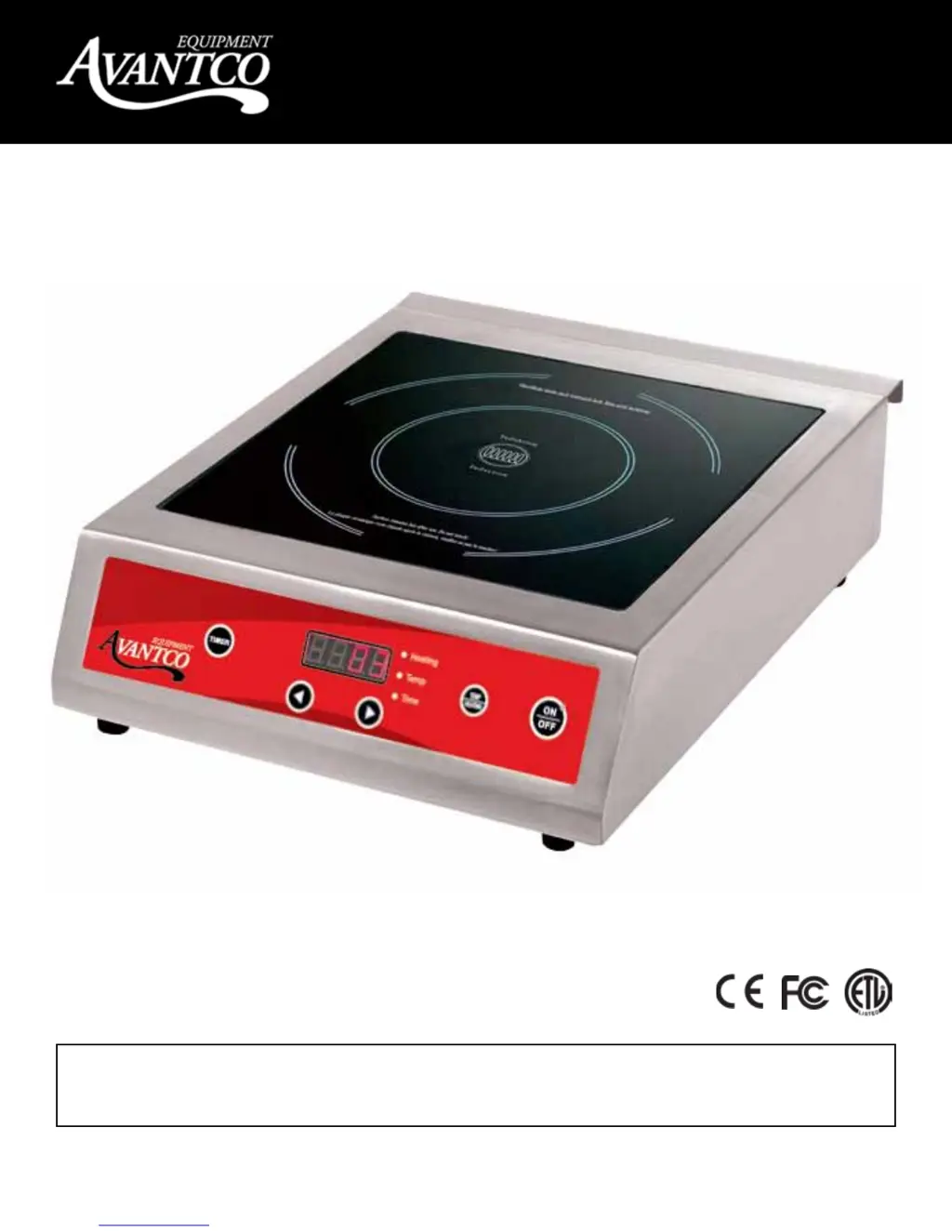
3500 Watt Induction Range
User Manual
Model: IC3500
Please read and keep these instructions. Indoor use only.
10/2012

Questions and Answers

  • R
    Rachel LiJul 27, 2025
    What to do if Avantco Equipment IC3500 show error E02?
    • E
      Erica LewisJul 27, 2025
      If your Avantco Equipment Cooker displays error code E02, it means the overheating protection has been activated and the cooker has switched off. Remove the cookware from the cooker and allow the unit to cool down completely before restarting it.
  • H
    Heather BrownAug 6, 2025
    Why does my Avantco Equipment Cookers show error E01?
    • H
      hayesheatherAug 6, 2025
      Error code E01 on your Avantco Equipment Cooker indicates that the cooker has become too hot, possibly due to blocked ventilation slots. Clear the vents and allow the cooker to cool down before attempting to restart it. If the error message persists after cooling and clearing the vents, contact your retailer.
  • W
    Wayne ParkerAug 15, 2025
    What to do if Avantco Equipment IC3500 show error E03?
    • H
      hcunninghamAug 15, 2025
      If your Avantco Equipment Cooker is showing error code E03, it indicates a temporary voltage overload that has caused the cooker to overheat. Allow the cooker to cool down completely before attempting to restart it.

Summary

Specifications

Advantages of Induction Cooking

Explains benefits such as energy saving, high cooking speed, and precise heat control for efficiency.

Safety Precautions

Lists critical instructions for safe operation, including electrical safety and proper usage environment.

Operation

Cleaning and Cookware Guidelines

Troubleshooting

Limited 6 Month Warranty

Avantco Equipment IC3500 Specifications

General IconGeneral
BrandAvantco Equipment
ModelIC3500
CategoryCookers
LanguageEnglish