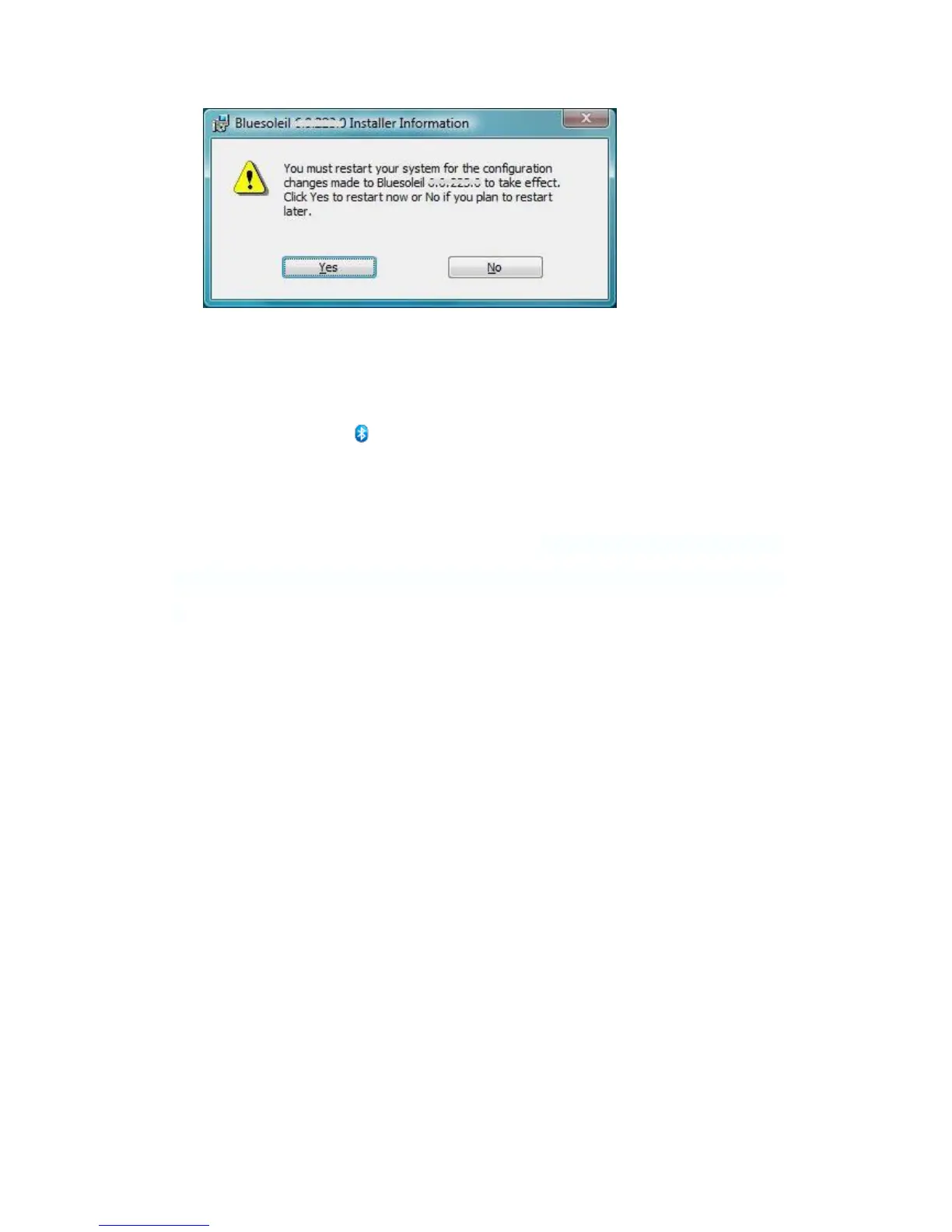
Note: If you do not restart, some operations may be abnormal.
After installation has finished, please insert the DG40S into your PC USB outlet. You should be able to
see a small 'Bluetooth' icon showing at the right corner of the screen.
3.3 Uninstalling BlueSoleil
BlueSoleil can only be removed from the Control Panel: Click Start -> Control Panel to open the
Control Panel, and then choose Uninstall a program. Select BlueSoleil in the program list and uninstall
it.


 To Next Page