5
Operating instructions
Power on/off:
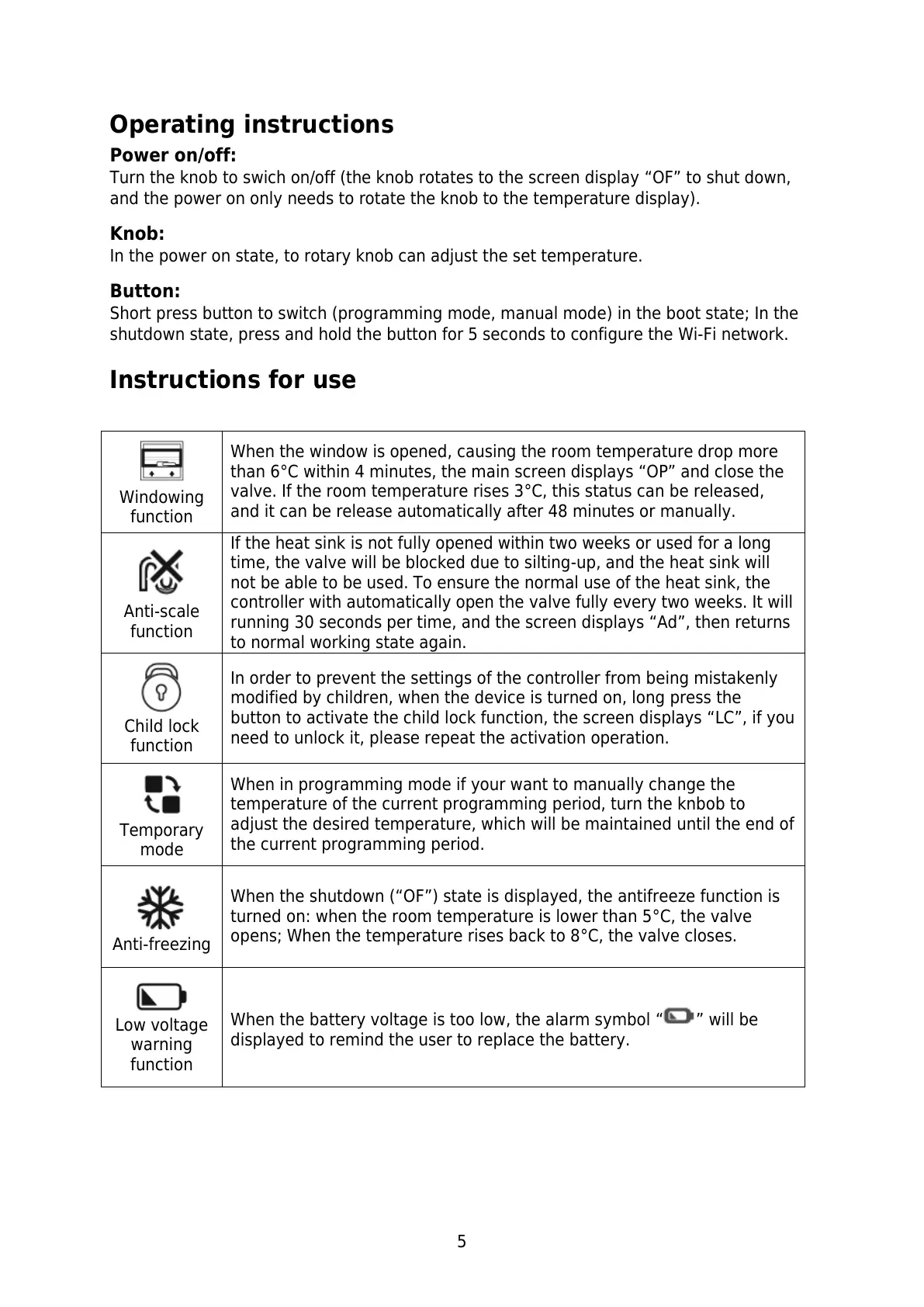
Turn the knob to swich on/off (the knob rotates to the screen display “OF” to shut down,
and the power on only needs to rotate the knob to the temperature display).
Knob:
In the power on state, to rotary knob can adjust the set temperature.
Button:
Short press button to switch (programming mode, manual mode) in the boot state; In the
shutdown state, press and hold the button for 5 seconds to configure the Wi-Fi network.
Instructions for use
When the window is opened, causing the room temperature drop more
than 6°C within 4 minutes, the main screen displays “OP” and close the
valve. If the room temperature rises 3°C, this status can be released,
and it can be release automatically after 48 minutes or manually.
If the heat sink is not fully opened within two weeks or used for a long
time, the valve will be blocked due to silting-up, and the heat sink will
not be able to be used. To ensure the normal use of the heat sink, the
controller with automatically open the valve fully every two weeks. It will
running 30 seconds per time, and the screen displays “Ad”, then returns
to normal working state again.
In order to prevent the settings of the controller from being mistakenly
modified by children, when the device is turned on, long press the
button to activate the child lock function, the screen displays “LC”, if you
need to unlock it, please repeat the activation operation.
When in programming mode if your want to manually change the
temperature of the current programming period, turn the knbob to
adjust the desired temperature, which will be maintained until the end of
the current programming period.
When the shutdown (“OF”) state is displayed, the antifreeze function is
turned on: when the room temperature is lower than 5°C, the valve
opens; When the temperature rises back to 8°C, the valve closes.
Low voltage
warning
function
When the battery voltage is too low, the alarm symbol “ ” will be
displayed to remind the user to replace the battery.


 To Next Page