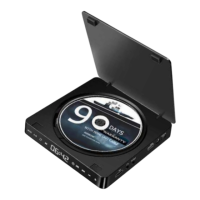
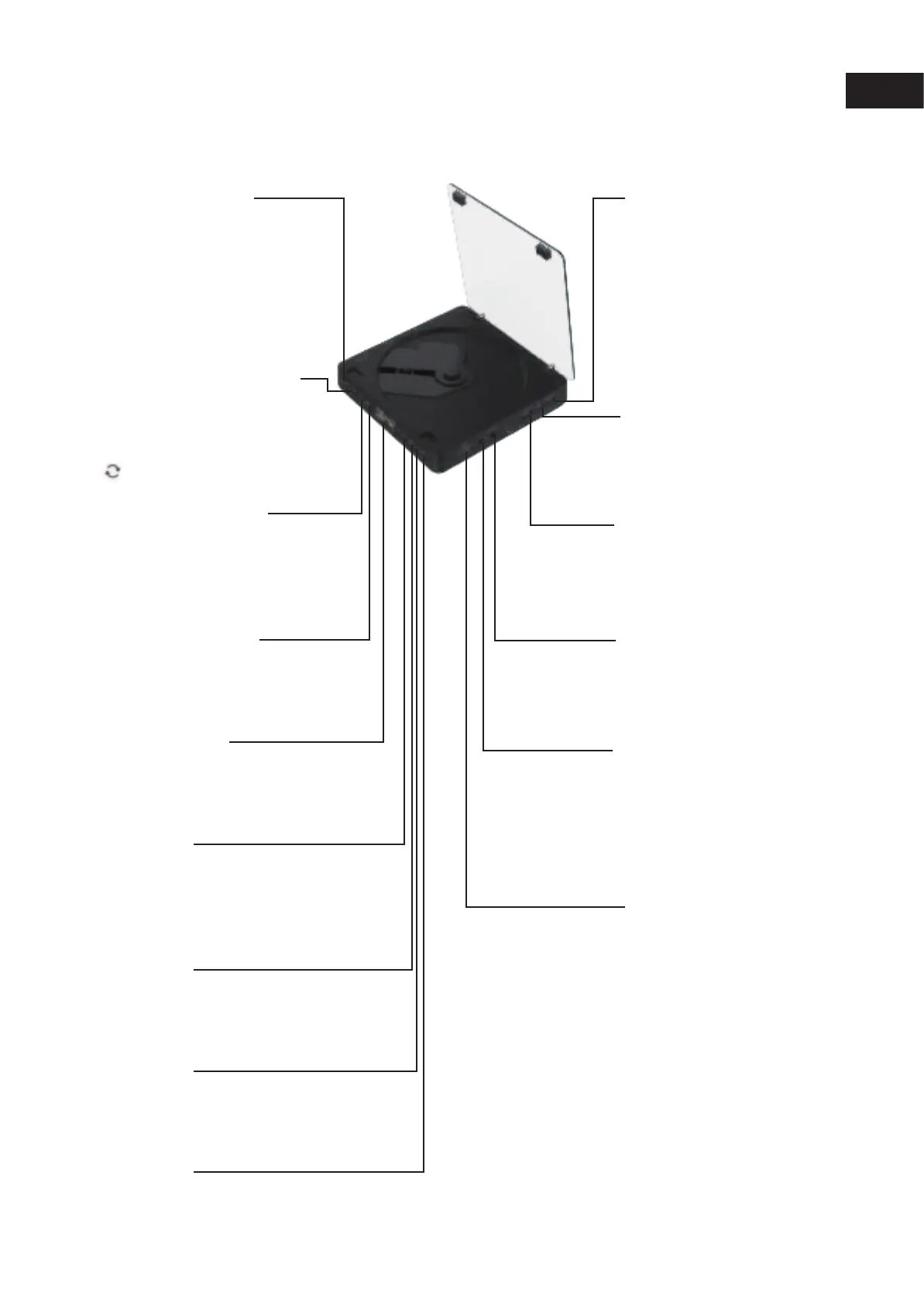
Power on / off key
Before starting the machine, please connect the
5v-2a power plug with the type-C power cord, and
then press this key to turn on-off
A-B switch
In the DVD/USB mode, press the A-B key twice
to repeat playing the content.
The player will repeat playing the content between
the points A and B point,
press the A-B key again to stop repeating.
REPEAT switch
In DVD / USB mode, the key is single repeat -
Directory
repeat - all repeat - random play -
normal play
PLAY/[AUSE switch
Press the Pause key to enter the pause
state; press the Play/Pause key to
restore to the normal state.
LED display
Display played track number
and the playing time
Display the current mode state
Previous track
Next track
Volume -
Volume +
Mode switch
(Switching sequence of mode:
DVD mode→USB mode)
Type-C power supply interface
Before starting the machine, please connect
the 5V-2A power plug
with the type-C power cord, and then press
the toggle switch to start the machine
USB socket
Insert the USD driver and press the mode
key to switch to the
USB mode to read the content in the U disk
AV video output
For the connection method of AV video output,
please refer to the page of TV set connection mode.
3.5mm headphone audio output
3.5mm AV port: can be connected with earphone
to listen to CD music, you can also use 3.5mm
male-to-male audio cable to input the audio of
mobile/computer into the CD player or use
3.5mm audio cable to output
CD audio to an external sound box
HDMI outputt
For the connection method of HDMI,
please refer to the page of set connection
mode
Introduction of keys and functions
Engliash
3


 To Next Page
 Loading...