58
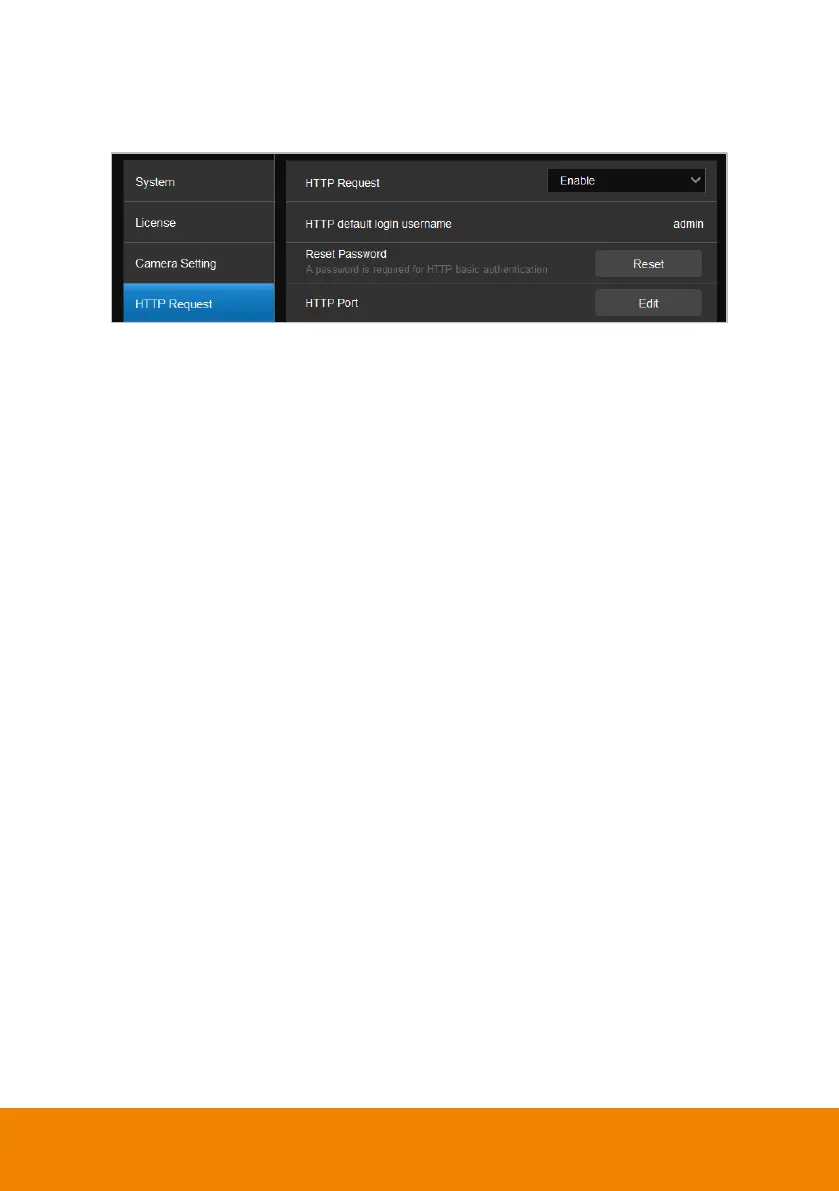
HTTP Request
HTTP request allows third-party integration and lets you quickly perform various
tasks to your groups on the device list.
1. On the PTZ Link main page, go to
Settings
>
HTTP Request
on
the side
panel.
2. Set up the HTTP request configuration:
Enable
HTTP Request
from the drop-down list.
Click
Reset
to set up a password.
Click
Edit
to enter a port number.
3. To execute HTTP requests, open a request URL.
Example
http://admin:3346@192.168.0.22:80/request=disableAll
Element
http://[account]:[password]@[IP Address]:[port]/request=disableAll
An HTTP request contains the following elements:
Account: HTTP default login username “admin”.
Password: the password you set up in Step 2.
IP Address: IP address of your computer.
Port: the port number you set up in Step 2.



 To Next Page
 Loading...










