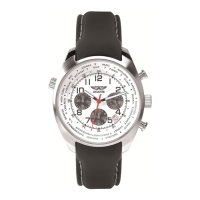
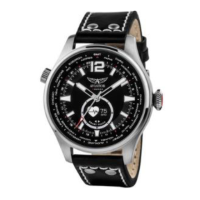
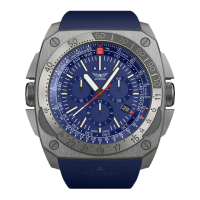
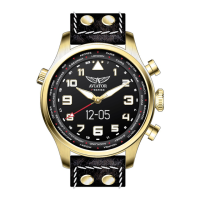
Congratulations for purchasing the AVIATOR F-SERIES Smartwatch!
Stay connected with incoming call alerts, caller ID, missed calls, SMS, email, social
media notifications, calendar events and daily reminders. Stay active with the step
counter, calorie counter, distance tracker. Other features include a lost phone alert
and sleep monitor!
Contents of the box:
1 x AVIATOR F-SERIES Smartwatch, 1 x Charging stand, 1 USB Charging Cable, 1 x
User Guide
Getting started:
Please charge the watch before first use, and please charge it over whenever the
screen displays .
To charge the watch, please remove the protective plastic label on the case-back
and place the watch on the charging stand. Connect the USB cable to the micro
USB port on the side of the stand and connect the Type-A USB to a power source.
During charging the watch will display . When fully charged the watch
will display for one minute, then the screen will go off.
AVIATOR F-SERIES App
The mobile App is compatible with Apple and Android mobile devices that support
Bluetooth 4.0 and run iOS 7, Android 4.3, or newer versions. The App can be
downloaded from the Apple App Store or the Google PlayStore by searching for
aviator f-series


 To Next Page