3.1.2 Placing Your Document in the ADF Paper Tray
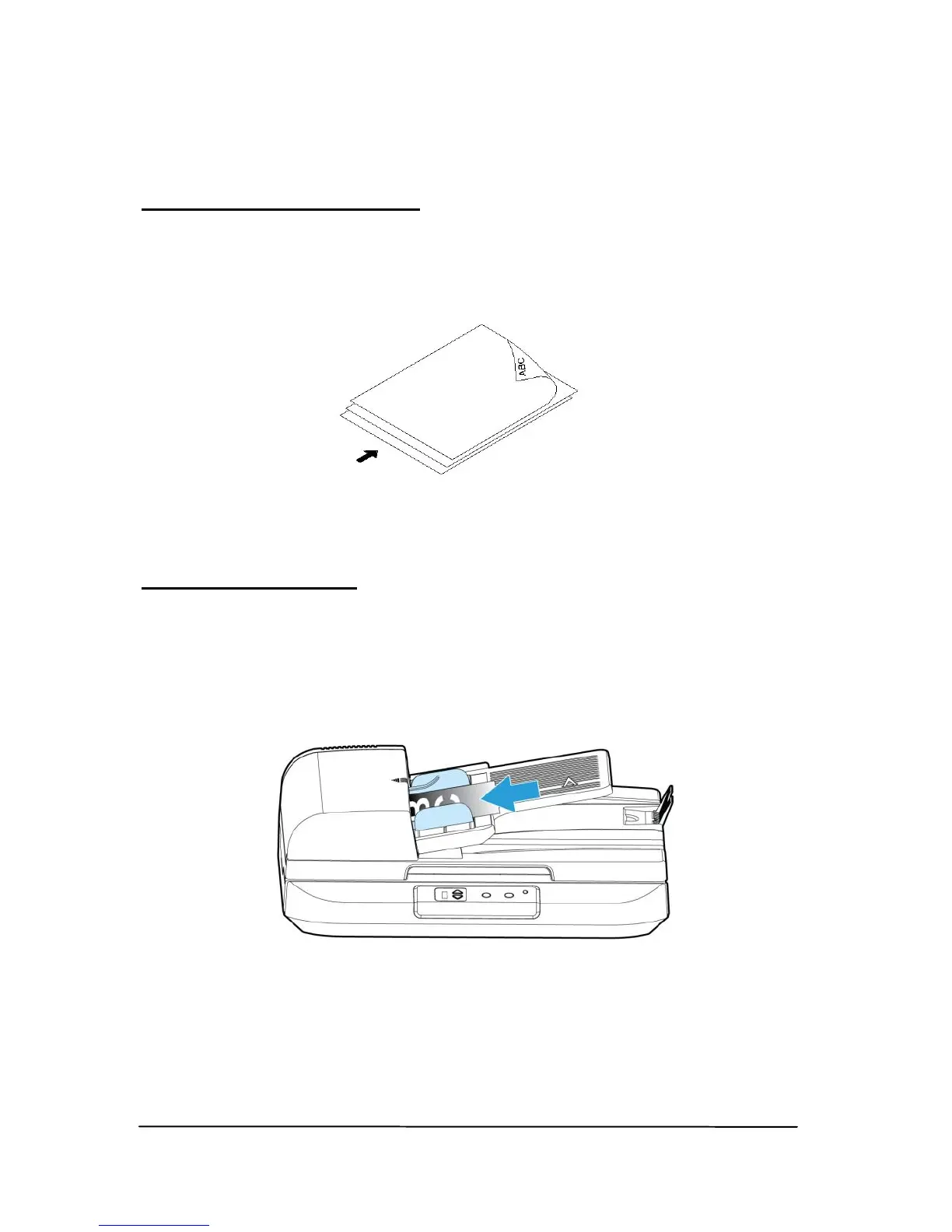
Fanning Your Document
Standard paper size should feed easily through the scanner.
To avoid occasional paper jam when automatically feeding
multiple documents, loosen the paper before loading.
Document Feeding
Place your document with the text face up and make the top
of the page point to the document feeder as shown below.
Center your document with the paper guides and make sure
the edge of document touch the paper guides.



 To Next Page