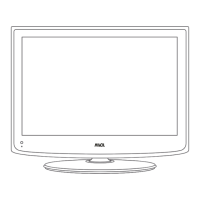
ON/OFF
35.
36.
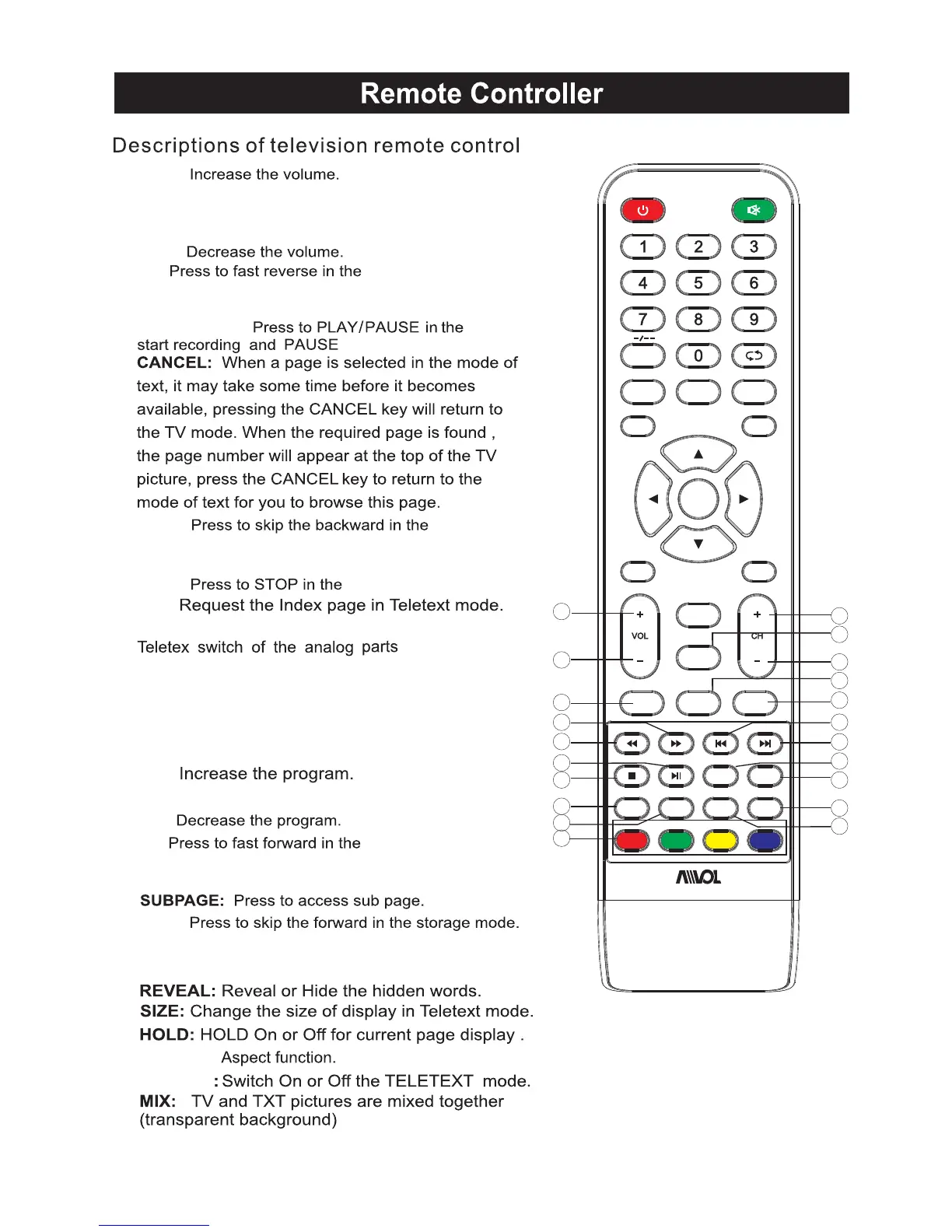
FAV: Press to add or remove your favorite
channels under TV menu
20.PLAY/PAUSE:
16.VOL+:
18.VOL-:
17.ROOT:
When playing the photo or VIDEO,if you
FAV-: Press to switch your favorite channels
under TV menu
19.FR:
24.CH+:
26.CH-:
25.REPEAT: Repeat
28.
30.GOTO:Skip
34.
23.GREEN/RED/YELLOW/CYAN:
Under the menu corresponding to the TV,
press the button according to the color
display to enter
RED:Exchange
GREEN:Insert
YELLOW:Copy
BLUE:Delete
21.PREV:
22.STOP:
29.NEXT:
27.FF:
FAV+: Press to switch your favorite channels
under TV menu
33.
32.
31.
press ROOT,then it will stop playing and return
to the current catalogue,in USB mode.
,in USB mode.
MENU SOURCE
ENTER
EXIT
SLEEP
P.MODE S.MODE
INFO
NICAM/A2
TXT
REVEAL SIZE
CANCEL
ASPECT
MIX
FAV FAV- FAV+
GOTO
HOLD
SUB .PG
ON/OFF
ROOT
REPEAT
RED GREEN
YELLOW
CYAN
FREEZE
27
28
29
30
16
17
18
22
19
23
20
24
21
26
33
34
31
32
35
36
25
FREEZE:Image still
ASPECT:
USB mode.
USB mode.
USB mode.
USB mode.
USB mode.
7
AET32280M
TXT:


 To Next Page
 Loading...