EasyManua.ls Logo

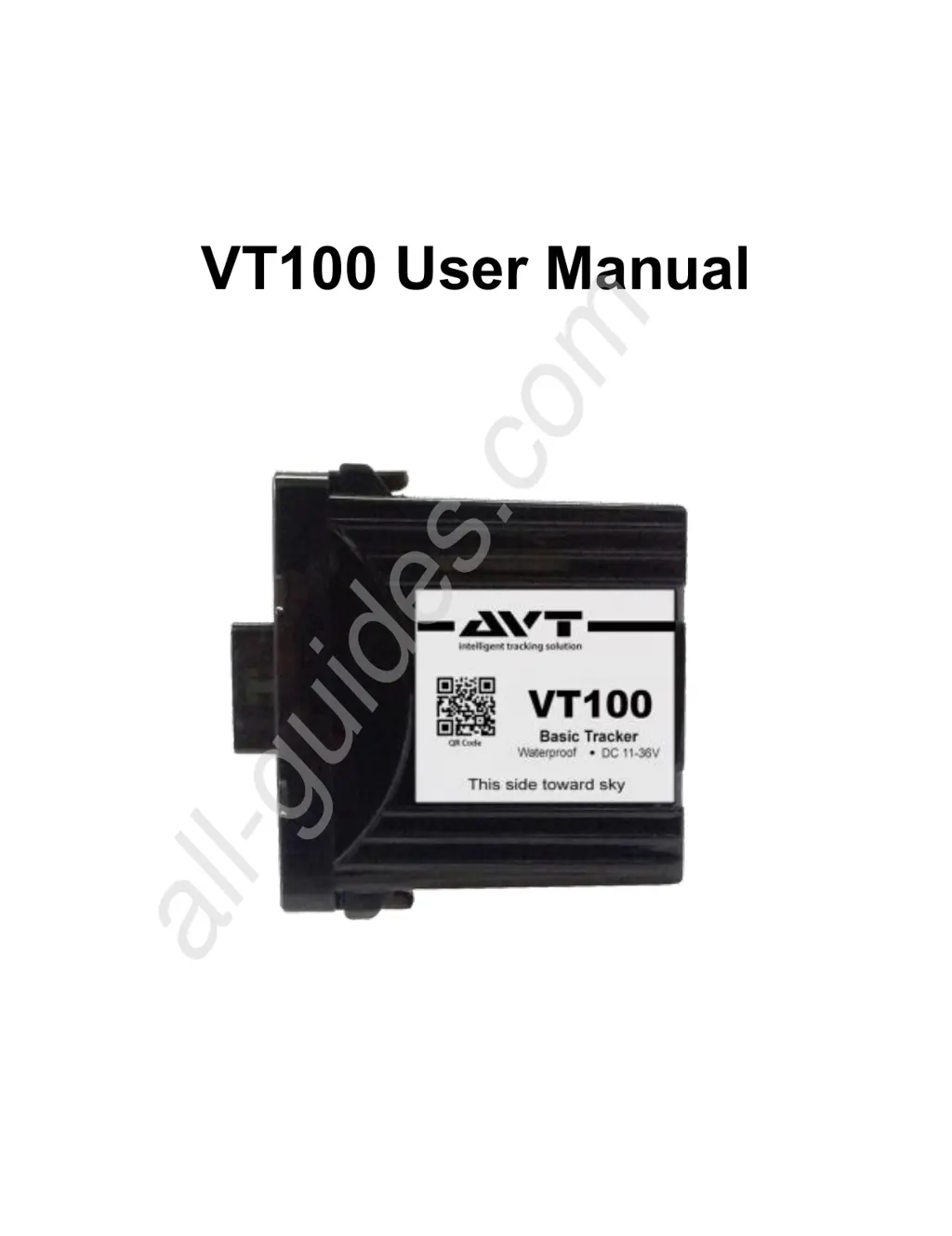
AVT VT100 - User Manual

AVT VT100
20 pages
Print Icon
To Next Page IconTo Next Page
Loading...
VT100 User Manual
All manuals and user guides at all-guides.com
all-guides.com

Questions and Answers

  • A
    Anthony SimmonsAug 4, 2025
    Why my AVT VT100 is unable to connect to network?
    • A
      Alexis RamirezAug 4, 2025
      If your AVT GPS tracker struggles to maintain a stable connection, it might be due to several factors. First, ensure the SIM card is correctly inserted. If the problem persists, the SIM card might be damaged and require replacement. Also, poor GSM signal reception can cause connection issues, so try moving to an area with better signal strength. Finally, verify that your SIM card data plan is still active and hasn't expired; if it has, you'll need to reload it with a new data plan.
  • B
    bshermanAug 18, 2025
    How to improve poor GPS signal reception of AVT VT100 GPS?
    • L
      Lori CobbAug 18, 2025
      If your AVT GPS device is having trouble getting a good signal, the issue might be its location. Tall buildings or underground areas can block the signal. Try using the GPS in an open area with a clear view of the sky. Also, check that the GPS tracker is correctly positioned facing the sky. Reposition it if necessary.

Summary

1 Overview

1.1 Main Functions

Lists key functionalities like GPS tracking, geofence alerts, power loss, overspeed, and its compact, waterproof nature.

1.2 Specifications

Details technical specifications including frequency, location accuracy, time to first fix, battery, power supply, and dimensions.

2 Device Overview

2.1 Device Components

Identifies key components of the VT100 device, including LED indicators, SIM card slot, battery switch, and GPS antenna.

2.2 Package Contents

Lists the items included in the VT100 package, such as the module, wire harness, Velcro sticker, and SOS button.

2.3 LED Indicator Meanings

Explains the meaning of different LED colors and flashing patterns for GPS and GSM network status.

3 SIM Card Installation

4 Wiring Instructions

5 Installation Locations

6 Web Platform and App Usage

6.1 Logging into Web Platform

Guides users on how to log in to the web platform to configure and operate the VT100 device.

6.2 Downloading Smartphone App

Instructs users on downloading and installing the dedicated smartphone application from app stores.

7 Device Functions

7.1 Alarm Types

Details various alarm functions, including power lost, engine on/off, overspeed, and geofence alerts.

8 SMS Command Reference

Troubleshooting Common Issues

AVT VT100 Specifications

General IconGeneral
GPS ReceiverSiRF Star III
Channels20
Update Rate1 Hz
Accuracy< 10 meters
WaterproofIPX7
DisplayLCD
BatteryLithium-Ion
Operating Temperature-10°C to +60°C