AVTECH Software, Inc. Page 24 AVTECH.com
Room Alert S Models (RA32S-DAP-RAS & RA12S-DAP-RAS)
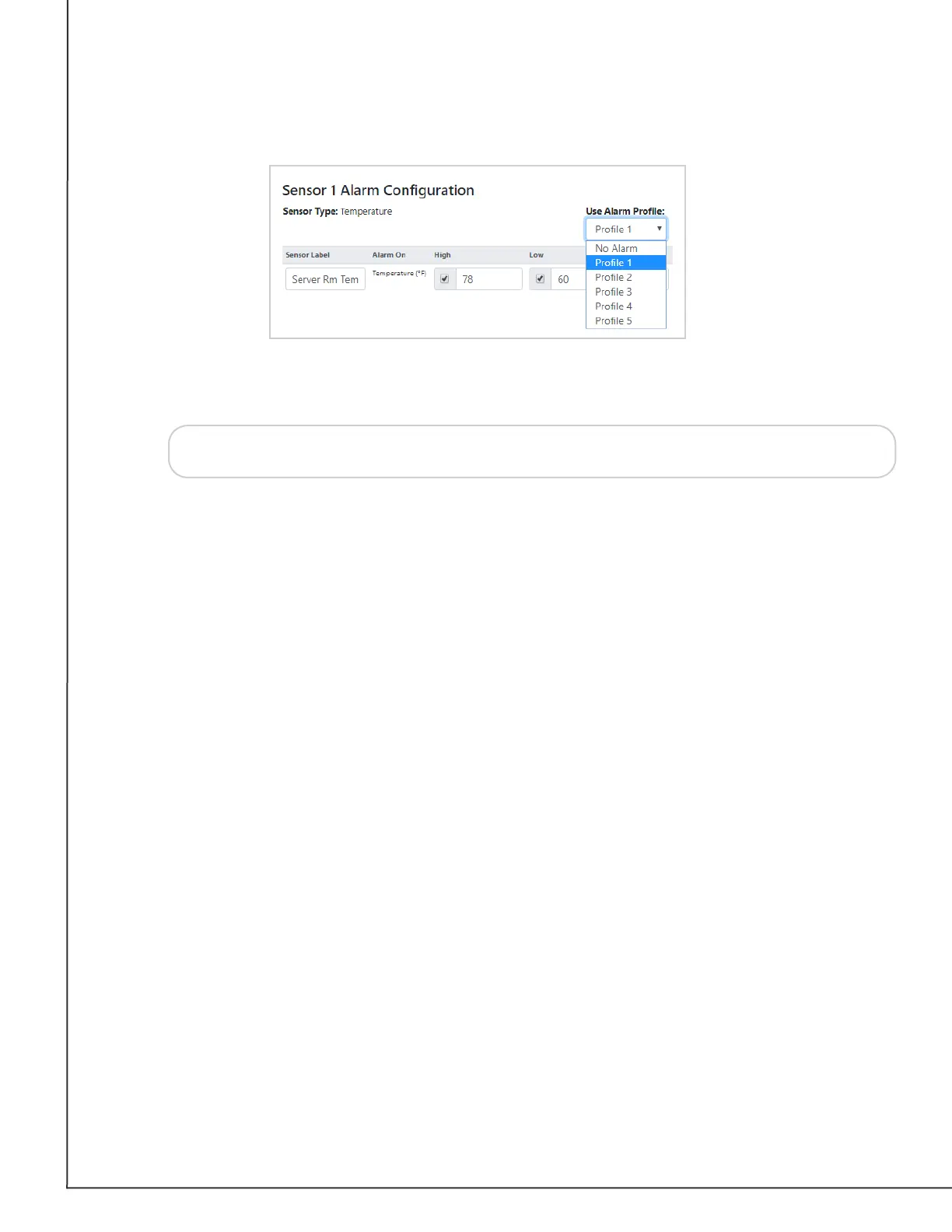
3. Note that the default for all sensors is Prole 1. You may also choose No Alarm if you
do not want to associate your sensor with a prole.
4. Select Save Settings at the top or bottom of the page. Your Room Alert will
automatically reboot and commit your changes.
Tip
Alarm Proles aect only light towers and relays; they do not aect email
alerts.



 To Next Page