8
EN
OPERATION AND FUNCTION
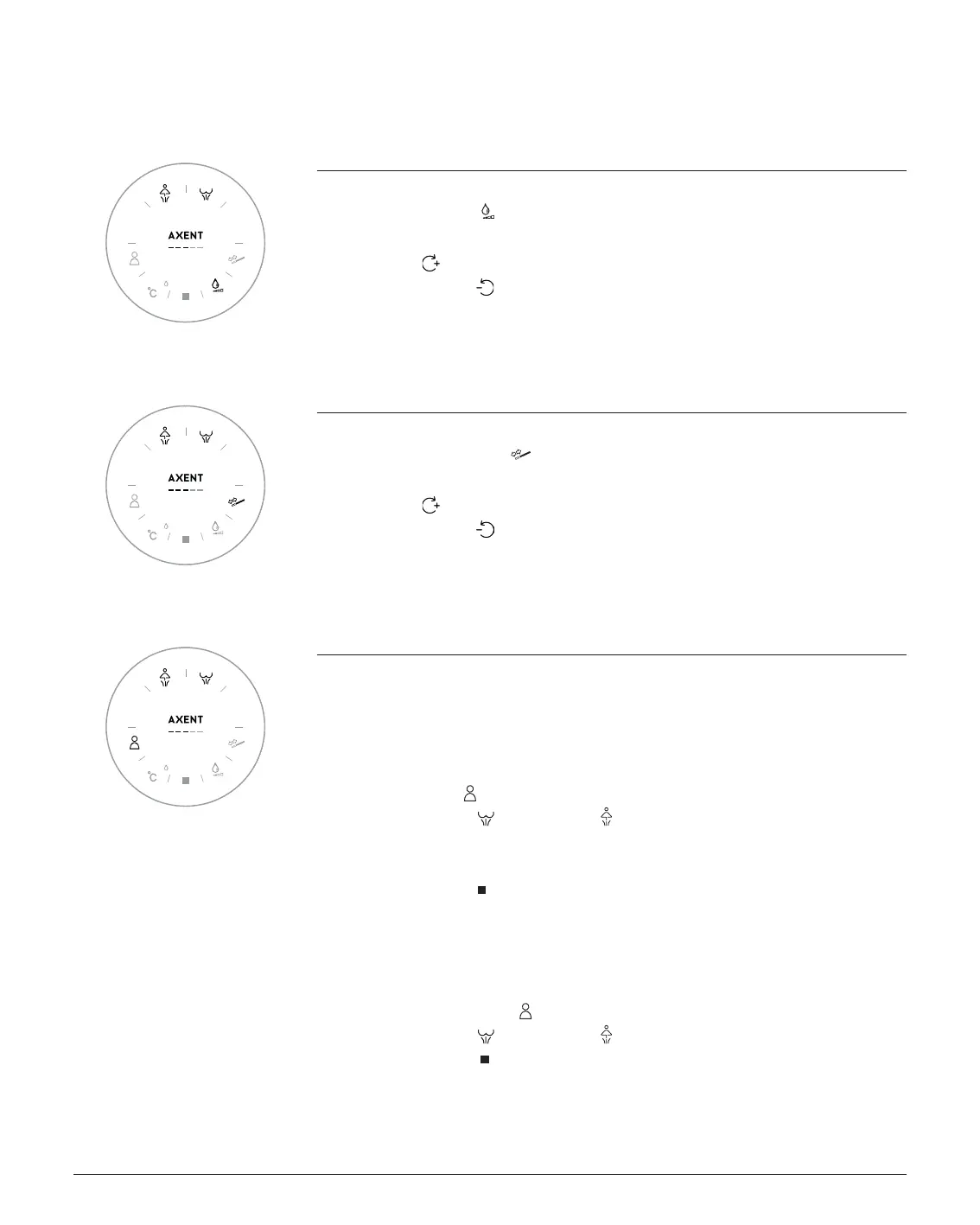
WATER VOLUME
You are sitting on the shower toilet and the shower process is active.
1. Press Water volume
2. Turn the rotating ring
- clockwise
the Water volume is increased
- counter-clockwise
the Water volume is reduced
3. The chosen flow rate can be viewed on the LED display.
SPRAY ARM POSITION
You are sitting on the shower toilet and the shower process is active.
1. Press Spray Arm position
2. Turn the rotating ring
- clockwise
the spray arm moves forward
- counter-clockwise
the spray arm moves back
3. The chosen Spray Arm position can be viewed on the LED display.
USER PROFILE
The Water temperature, flow rate and spray arm position can be individually saved in 5 user
profiles for the rear wash and the lady wash functions.
Saving a personal profile
You are sitting on the shower toilet.
1. Press User Profile to select where you want to save the profile (LED 1–5).
2. Start the Rear Wash
or Lady Wash shower function.
3. While the shower is in operation, adjust the Water temperature, flow rate and Spray Arm
position according to your needs.
4. To save, press Stop
.
The shower stops and your selected settings are saved.
Using a personal profile
You are sitting on the shower toilet.
1. Keep pressing User Profile to select your saved profile (LED 1–5).
2. Start the Rear Wash
or Lady Wash shower function.
3. To finish, press Stop
.


 To Next Page
 Loading...