13
EN
SETTINGS A XENT.ONE
PLUS
SEAT HEATING ENERGYSAVING MODE AXENT.ONE
PLUS
When energy-saving mode is active, the shower toilet remembers when it has been used
and records this hourly. The seat heating switches on in line with the stored schedule.
A new record is saved every day.
Settings mode is active.
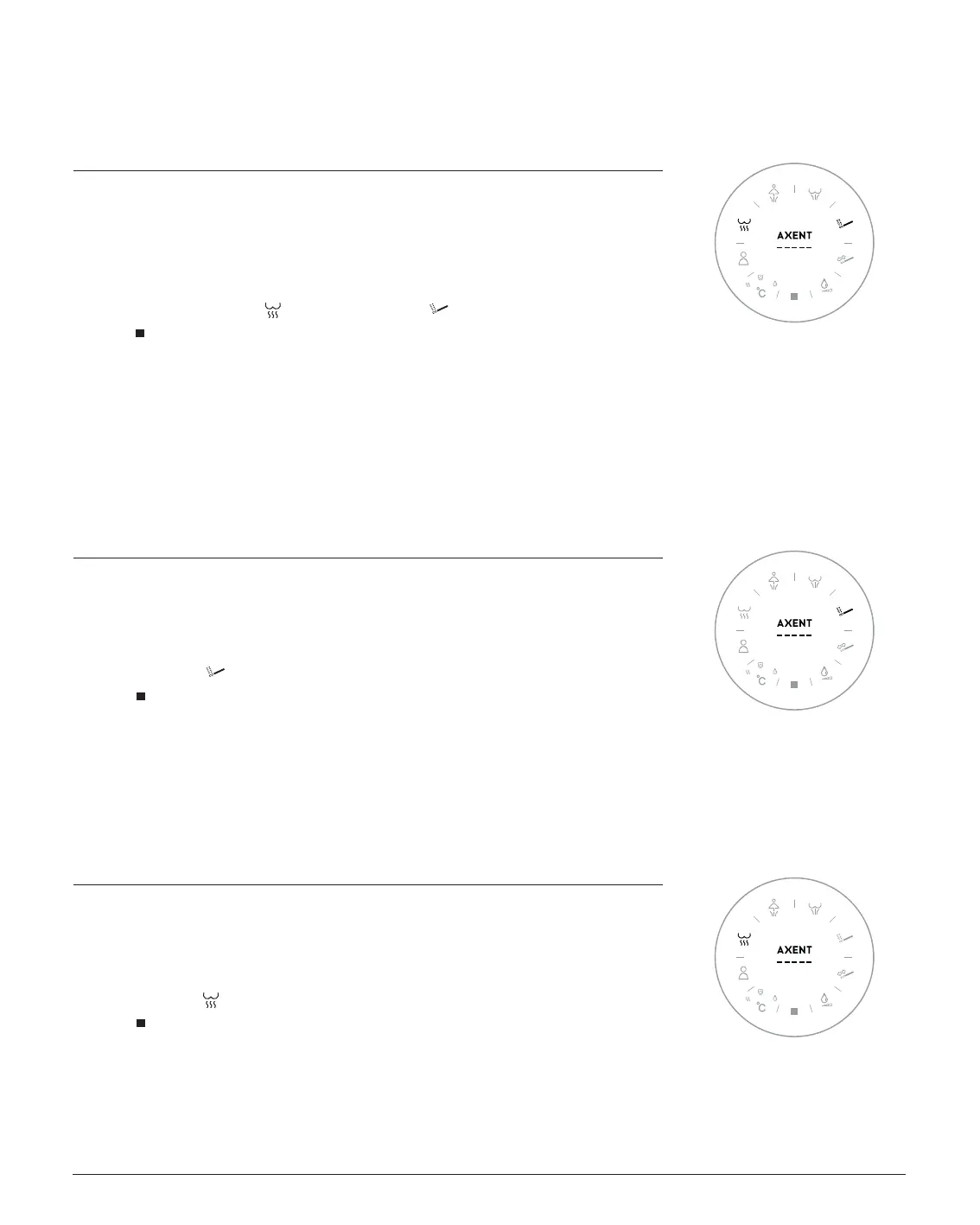
1. Press and hold Air Dryer and press Massage multiple times..
2. The
icon - flashes slowly energy-saving mode is active.
- flashes quickly energy-saving mode is off.
3. The display switches off after a few seconds, and your setting is saved.
Factory setting: Seat heating energy-saving mode is off.
AUTOMATIC DEODORIZER AXENT.ONE
PLUS
The deodorizer starts automatically as soon as you sit on the shower toilet.
This function can be activated or deactivated.
Settings mode is active.
1. Press Massage multiple times.
2. The
icon - flashes slowly the deodorizer is active.
- flashes quickly the deodorizer is off.
3. The display switches off after a few seconds, and your setting is saved.
Factory setting: The automatic deodorizer is active.
AUTOMATIC SELFCLEANING AXENT.ONE
PLUS
The spray arm is cleaned with fresh water as soon as you sit on the shower toilet.
This function can be activated or deactivated.
Settings mode is active.
1. Press Air Dryer multiple times.
2. The
icon - flashes slowly self-cleaning is active.
- flashes quickly self-cleaning is off.
3. The display switches off after a few seconds, and your setting is saved.
Factory setting: Automatic self-cleaning is active.


 To Next Page
 Loading...