AXISC1310-ENetworkHornSpeaker
Usecases
•Addaspeaker.
•Gotoliveview.
•Youcannowmakeliveannouncementsbyclickingandholdingthemicrophoneicon.
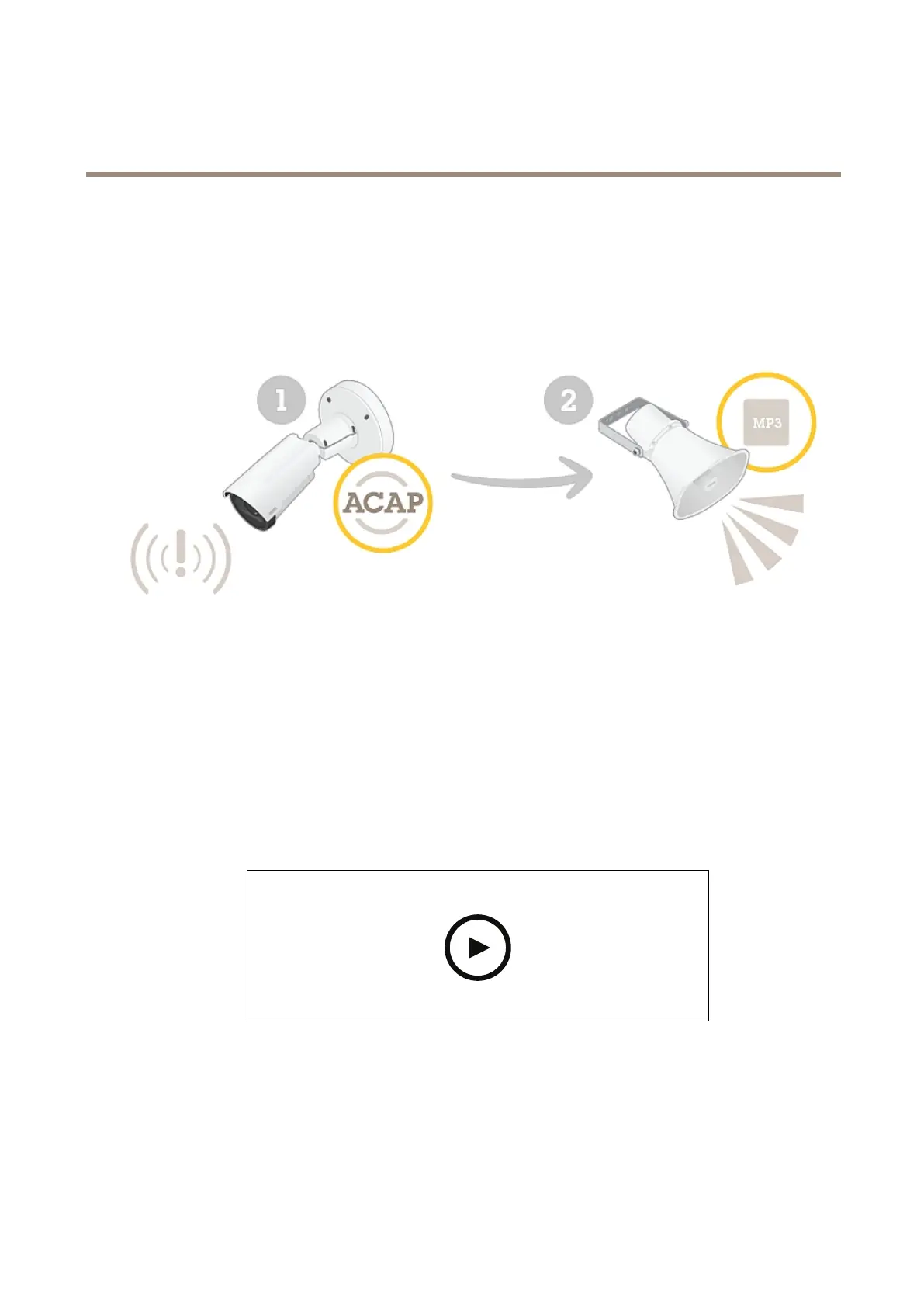
Automaticallyplayaudiowhenmotionisdetected
ThisexampleexplainshowtosetuptheaudiodevicetoplayanaudioclipwhenanAxisnetworkcameradetectsmotion.
Prerequisites
•TheAxisaudiodeviceandAxisnetworkcameraarelocatedonthesamenetwork.
•Themotiondetectionapplicationisconguredandrunninginthecamera.
Generalworkow
•Fromthedevicewebpage,preparealinktotheaudioyouwanttoplay.
•Createanactionrulethattriggerstheaudio.
SetupwithAXISCameraStation:
Towatchthisvideo,gotothewebversionofthisdocument.
www.axis.com/products/online-manual/58287
SetupwithMilestone:
13



 To Next Page