AXISC2005NetworkCeilingSpeaker
Thedeviceinterface
Devicesettings
Input:Turnonoroffaudioinput.Showsthetypeofinput.
Gain:Usetheslidertochangethegain.Clickthemicrophoneicontomuteorunmute.
Output:Showsthetypeofoutput.
Gain:Usetheslidertochangethegain.Clickthespeakericontomuteorunmute.
Stream
Encoding:Selecttheencodingtousefortheinputsourcestreaming.Youcanonlychooseencodingifaudioinputisturnedon.If
audioinputistunedoff,clickEnableaudioinputtoturniton.
Echocancellation:Turnontoremoveechoesduringtwo-waycommunication.
Audioclips
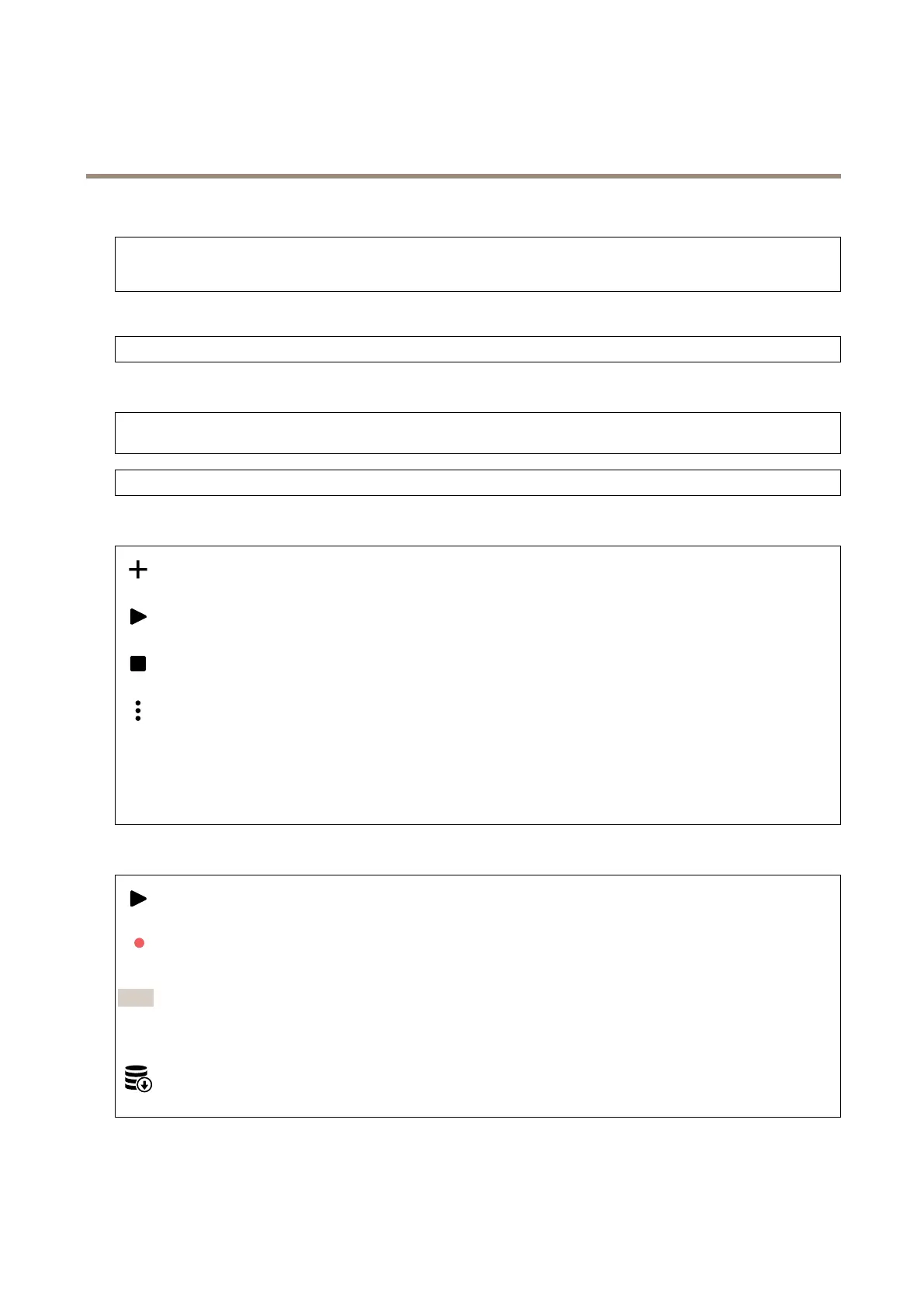
Addclip:Clicktoaddanewaudioclip.
Clicktoplaytheaudioclip.
Clicktostopplayingtheaudioclip.
Thecontextmenucontains:
•Rename:Changethenameoftheaudioclip.
•Createlink:CreateaURLwhich,whenused,playstheaudiocliponthedevice.Specifythevolumeandnumber
oftimestoplaytheclip.
•Download:Downloadtheaudiocliptoyourcomputer.
•Delete:Deletetheaudioclipfromthedevice.
Listenandrecord
Clicktolisten.
Clicktostartacontinuousrecordingoftheliveaudiostream.Clickagaintostoptherecording.Ifarecordingisongoing,it
willresumeautomaticallyafterareboot.
Note
Youcanonlylistenandrecordifinputisturnedonforthedevice.GotoAudio>Devicesettingstomakesurethat
inputisturnedon.
Clicktoshowthestoragethatisconguredforthedevice.Tocongurethestorageyouneedtobeloggedinasan
administrator.
14



 To Next Page