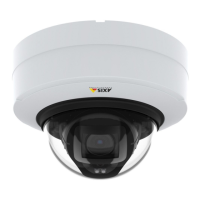
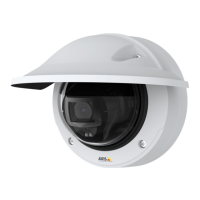
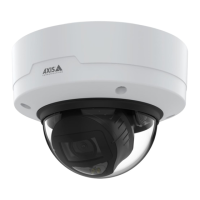
AXISP32NetworkCameraSeries
Configureyourdevice
Turnonaudio:
1.Setupthestreamproletoincludeaudio,seeAddaudiotoyourrecordingonpage19.
Turnonaudiodetection:
1.GotoSystem>Detectors>Audiodetection.
2.Adjustthesoundlevelaccordingtoyourneeds.
Createarule:
1.GotoSystem>Eventsandaddarule.
2.Typeanamefortherule.
3.Inthelistofconditions,underAudio,selectAudioDetection.
4.Inthelistofactions,underRecordings,selectRecordvideo.
5.Inthelistofstorageoptions,selectSD_DISK.
6.Selectthestreamprolewhereaudiohasbeenturnedon.
7.Settheprebuffertimeto5seconds.
8.Setthepostbuffertimeto2minutes.
9.ClickSave.
Providevisualindicationofanongoingevent
YouhavetheoptiontoconnecttheAXISI/OIndicationLEDtoyournetworkcamera.ThisLEDcanbeconguredtoturnonwhenever
certaineventsoccurinthecamera.Forexample,toletpeopleknowthatvideorecordingisinprogress.
Requiredhardware
•AXISI/OIndicationLED
•AnAxisnetworkvideocamera
Note
AXISI/OIndicationLEDshouldbeconnectedtoanoutputport.
Note
ForinstructionsonhowtoconnecttheAXISI/OIndicationLED,seetheinstallationguideprovidedwiththeproduct.
ThefollowingexampleshowshowtocongurearulethatturnsontheAXISI/OIndicationLEDtoindicatethatcameraisrecording.
1.GotoSystem>Accessories>I/Oports.
2.MakesurethattheportyouconnectedtheAXISI/OIndicationLEDtoissettoOutput.SetthenormalstatetoCircuitopen.
3.GotoSystem>Events.
4.Createanewrule.
5.SelecttheConditionthatmustbemettotriggerthecameratostartrecording.Itcan,forexample,beatimescheduleor
motiondetection.
6.Inthelistofactions,selectRecordvideo.Selectastoragespace.Selectastreamproleorcreateanew.Alsosetthe
PrebufferandPostbufferasrequired.
7.Savetherule.
16



 To Next Page