AXISQ37NetworkCameraSeries
Thewebinterface
Ongoingrecordings
Showsongoingrecordingsandtheirdesignatedstoragespace.
Recordings:Viewongoingandlteredrecordingsandtheirsource.Formoreinformation,seeRecordingsonpage36
Showsthestoragespacewheretherecordingissaved.
Deviceinfo
Showsthedeviceinformation,includingAXISOSversionandserialnumber.
UpgradeAXISOS:Upgradethesoftwareonyourdevice.TakesyoutotheMaintenancepagewhereyoucandotheupgrade.
Connectedclients
Showsthenumberofconnectionsandconnectedclients.
Viewdetails:Viewandupdatethelistofconnectedclients.ThelistshowsIPaddress,protocol,port,state,andPID/process
ofeachconnection.
Video
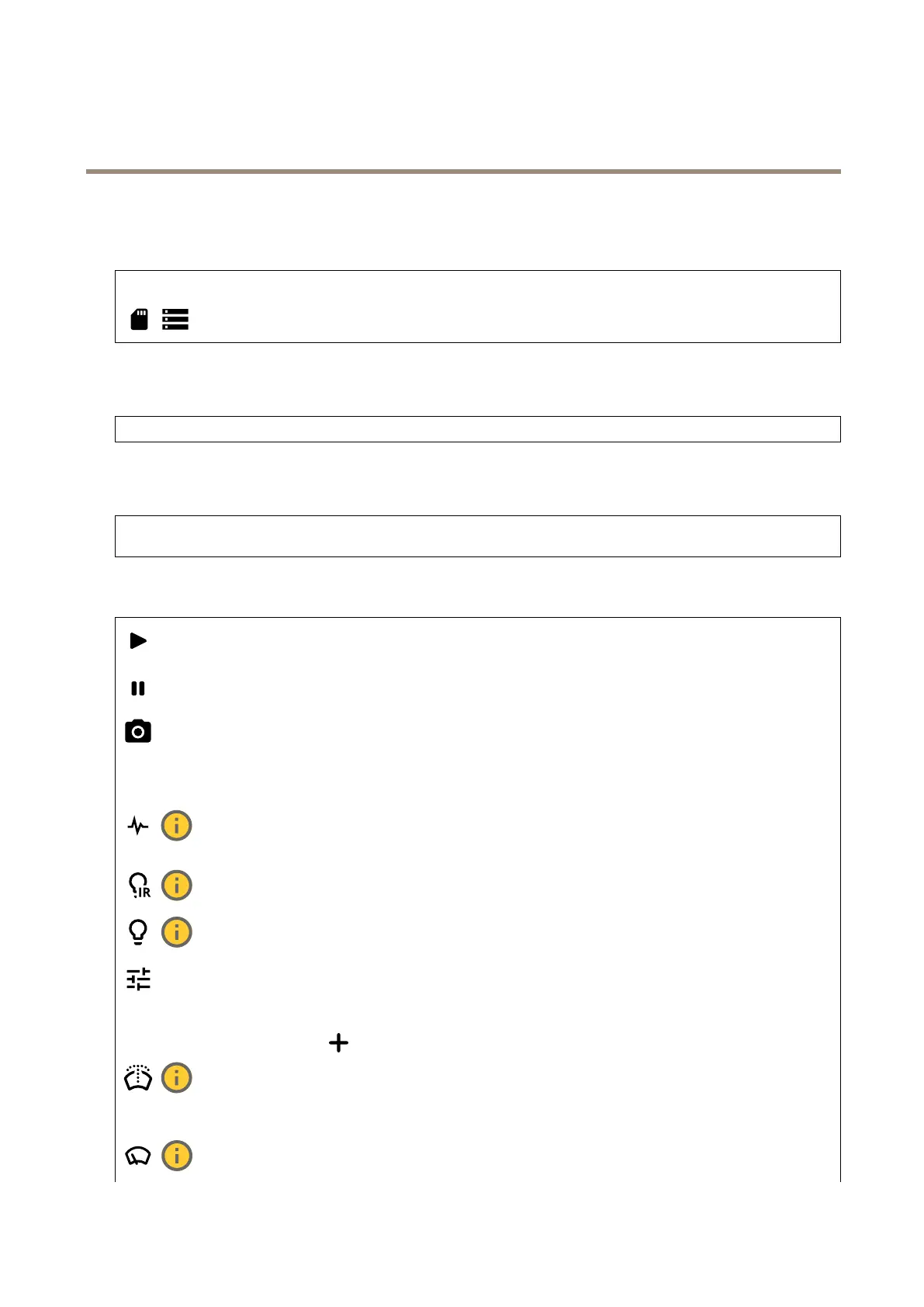
Clicktoplaythelivevideostream.
Clicktofreezethelivevideostream.
Clicktotakeasnapshotofthelivevideostream.Theleissavedinthe‘Downloads’folderonyourcomputer.Theimage
lenameis[snapshot_YYYY_MM_DD_HH_MM_SS.jpg].Thesizeofthesnapshotdependsonthecompressionthatthespecic
web-browserenginewherethesnapshotisreceivedapplies,therefore,thesnapshotsizemayvaryfromtheactualcompression
settingthatisconguredinthedevice.
ClicktoshowI/Ooutputports.Usetheswitchtoopenorclosethecircuitofaport,forexample,totestexternal
devices.
ClicktomanuallyturnonorturnofftheIRillumination.
Clicktomanuallyturnonorturnoffthewhitelight.
Clicktoaccessonscreencontrols:
•Predenedcontrols:Turnontousetheavailableonscreencontrols.
•Customcontrols:ClickAddcustomcontroltoaddanonscreencontrol.
Startsthewasher.Whenthesequencestarts,thecameramovestotheconguredpositiontoreceivethewash
spray.Whenthewholewashsequenceiscompleted,thecamerareturnstoitspreviousposition.Thisiconisonlyvisiblewhenthe
washerisconnectedandcongured.
Startsthewiper.
23



 To Next Page