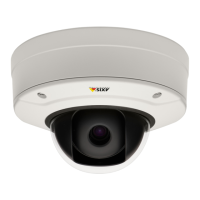
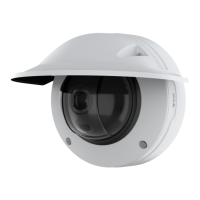
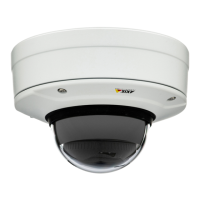
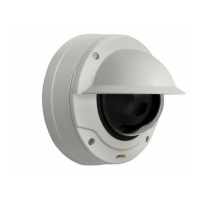
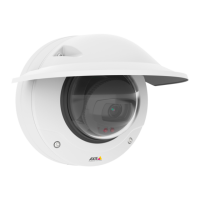
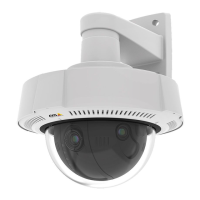
AXISQ37NetworkCameraSeries
Troubleshooting
Troubleshooting
Resettofactorydefaultsettings
Important
Resettofactorydefaultshouldbeusedwithcaution.Aresettofactorydefaultresetsallsettings,includingtheIPaddress,to
thefactorydefaultvalues.
Toresettheproducttothefactorydefaultsettings:
1.Disconnectpowerfromtheproduct.
2.Pressandholdthecontrolbuttonwhilereconnectingpower.SeeProductoverviewonpage62.
3.Keepthecontrolbuttonpressedfor15–30secondsuntilthestatusLEDindicatorashesamber.
4.Releasethecontrolbutton.TheprocessiscompletewhenthestatusLEDindicatorturnsgreen.Theproducthasbeenreset
tothefactorydefaultsettings.IfnoDHCPserverisavailableonthenetwork,thedefaultIPaddressis192.168.0.90.
5.UsetheinstallationandmanagementsoftwaretoolstoassignanIPaddress,setthepassword,andaccessthedevice.
Theinstallationandmanagementsoftwaretoolsareavailablefromthesupportpagesonaxis.com/support.
Youcanalsoresetparameterstofactorydefaultthroughthedevice’swebinterface.GotoMaintenance>Factorydefaultand
clickDefault.
CheckthecurrentAXISOSversion
AXISOSdeterminesthefunctionalityofourdevices.Whenyoutroubleshootaproblem,werecommendthatyoutostartbychecking
thecurrentAXISOSversion.Thelatestversionmightcontainacorrectionthatxesyourparticularproblem.
TocheckthecurrentAXISOSversion:
1.Gotothedevice’swebinterface>Status.
2.UnderDeviceinfo,seetheAXISOSversion.
UpgradeAXISOS
Important
•Preconguredandcustomizedsettingsaresavedwhenyouupgradethedevicesoftware(providedthatthefeaturesare
availableinthenewAXISOS)althoughthisisnotguaranteedbyAxisCommunicationsAB.
•Makesurethedeviceremainsconnectedtothepowersourcethroughouttheupgradeprocess.
Note
WhenyouupgradethedevicewiththelatestAXISOSversionintheactivetrack,theproductreceivesthelatestfunctionality
available.Alwaysreadtheupgradeinstructionsandreleasenotesavailablewitheachnewreleasebeforeyouupgrade.To
ndthelatestAXISOSversionandthereleasenotes,gotoaxis.com/support/device-software.
1.DownloadtheAXISOSletoyourcomputer,availablefreeofchargeataxis.com/support/device-software.
2.Logintothedeviceasanadministrator.
3.GotoMaintenance>AXISOSupgradeandclickUpgrade.
Whentheupgradehasnished,theproductrestartsautomatically.
18


 To Next Page