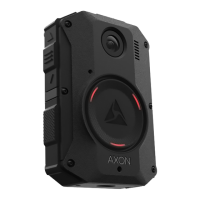
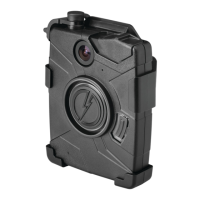
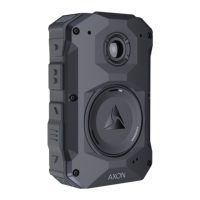
Axon Body 3 Camera User Manual
Axon Enterprise, Inc. Page 38 of 44
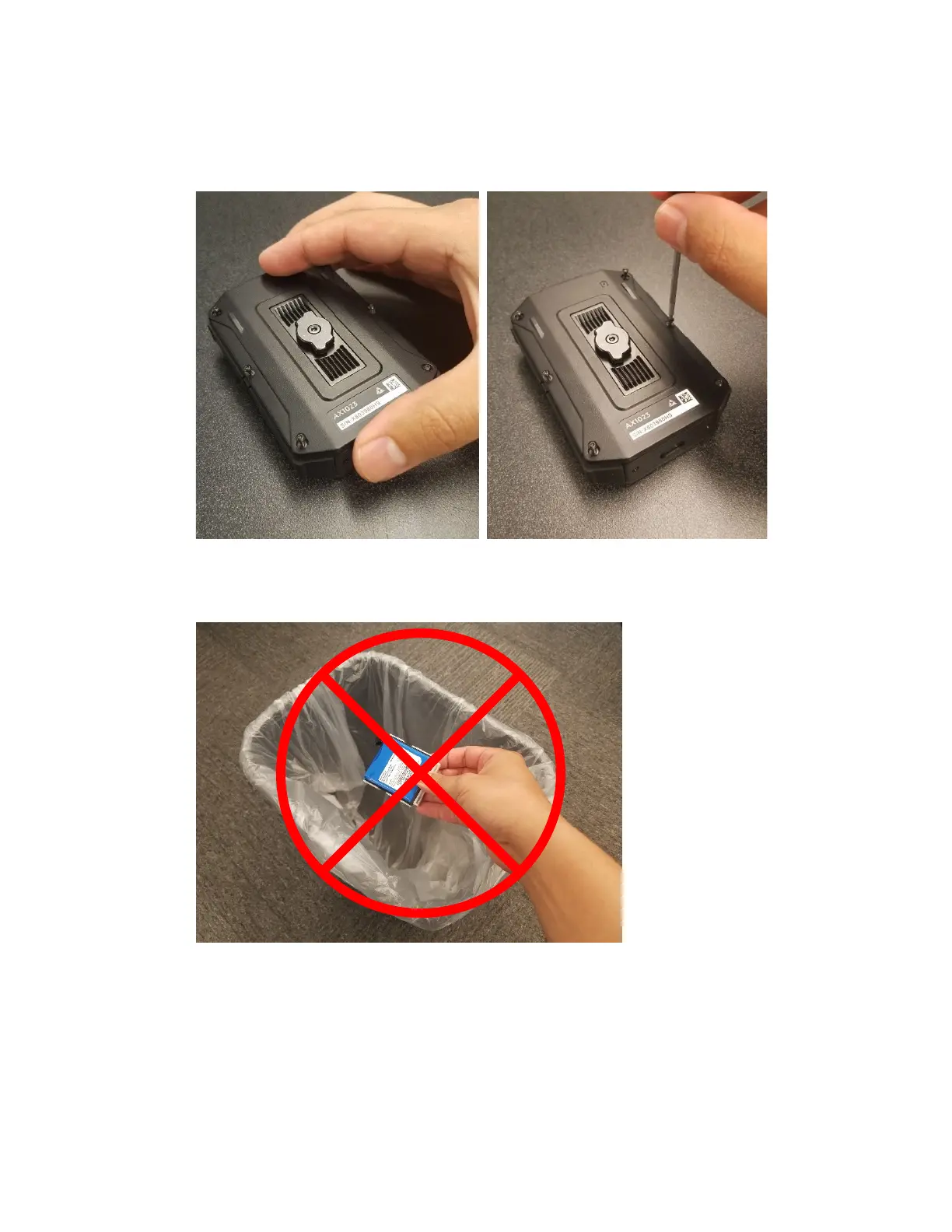
11. Gently replace back cover and tighten all 6 screws starting with the 2 center screws.
Screws should be tightened to 2.5 in-lbs to ensure a water tight seal.
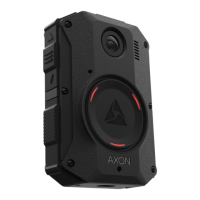
12. Dispose of the old battery assembly in accordance with your local regulations regarding
battery disposal.



 To Next Page