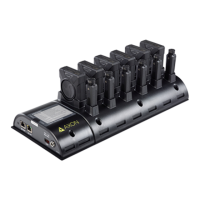
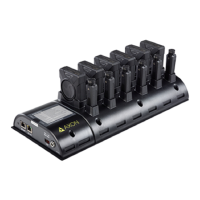
Axon Body 3 Dock Installation Manual
Axon Enterprise, Inc. Page 15 of 25
4. You can secure the cable in position with the attached zip tie and the associated slots in
the bracket.
5. Plug the power supply cable into a power strip or nearby AC outlet.
6. Plug the CAT 5e (or better) cable from your agency’s network data jack into the WAN port
on the dock.
You can secure the cable in position with the attached zip tie and the associated slots in
the bracket.



 To Next Page
 Loading...