Axon Body 3 Camera User Manual
Axon Enterprise, Inc. Page 33 of 44
Replacing the Battery Assembly
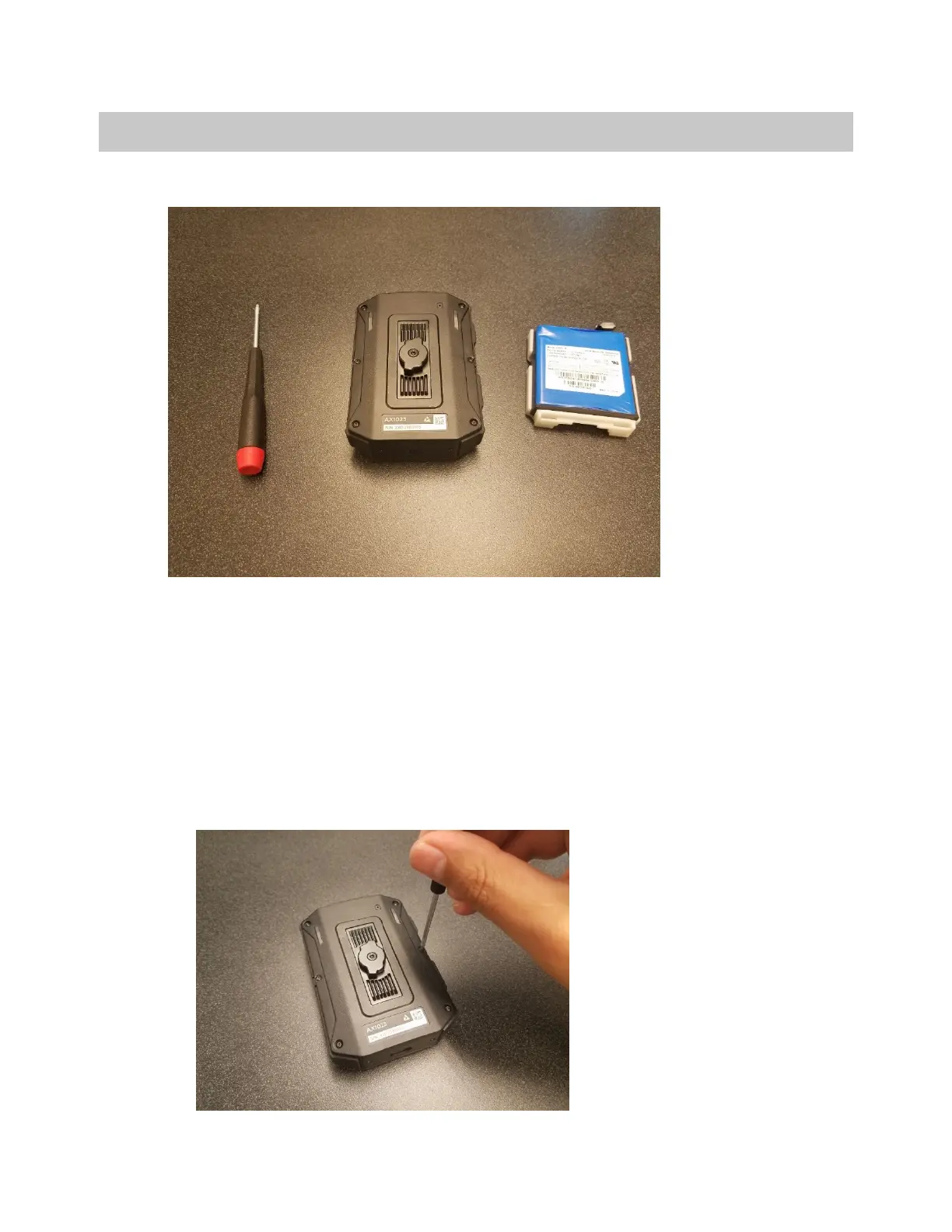
Before you begin, ensure you have the required supplies:
• T5 Torx driver
• Axon Body 3 with a dead battery
• Replacement Axon Body 3 camera battery assembly
Ensure the camera is powered off.
1. Remove all 6 screws from the back panel of the Axon Body 3 Camera.



 To Next Page
 Loading...