Axon Body 3 Camera User Manual
Axon Enterprise, Inc. Page 7 of 44
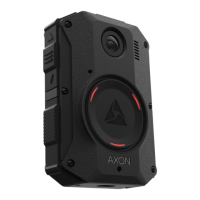
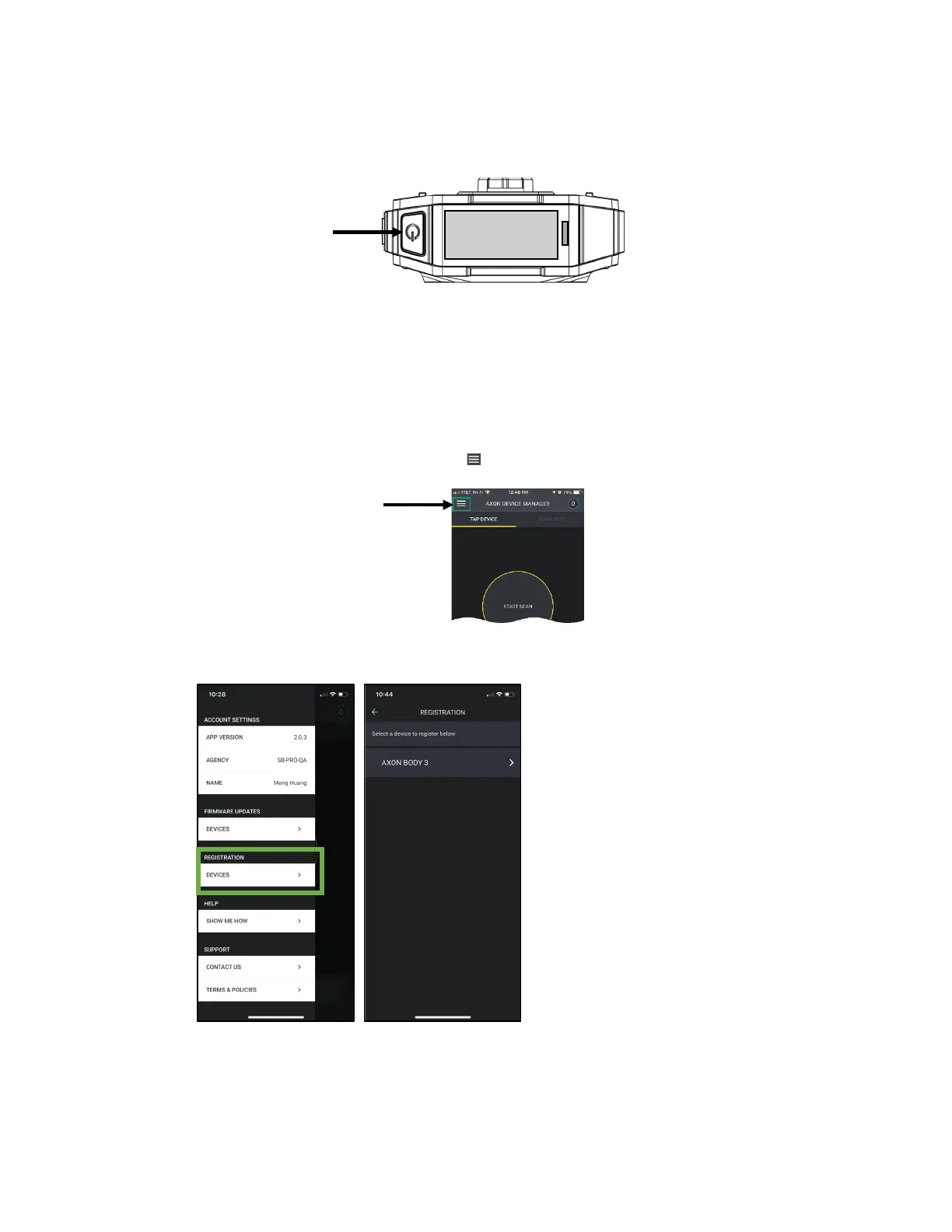
1. Un-box the Axon Body 3 camera. Power on the camera by pressing the Power button,
on top of the camera, until you feel short vibration.
The camera starts and the camera display, on top of the camera, shows DOCK DEVICE or
DOCK DEVICE OR CONNECT VIEWXL.
2. Place the camera in the Axon Body 3 Dock.
The camera display shows Register Device, the Operation and Triad LEDs are solid blue.
3. Open ADM and tap the Settings icon ( ) in the upper left.
4. Under the Registration heading, tap Devices and then tap Axon Body 3.
Power button
Settings


 To Next Page
 Loading...