7
IR sensor that receives IR commands from the remote control.
7. (More)
When playing from UPnP sources, this button displays queued tracks and options.
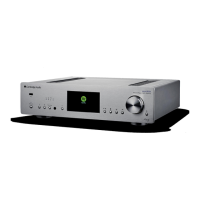
8. Display
9. Play/Pause
Play or Pause current track.
10. Stop/Delete
Press during playback to stop or delete items in various menus.
11. Skip
Skip to next track during playback.
12. Navigation/Select (Rotary Dial)
Rotate to scroll and navigate around the menus. Press to accept the item/function shown on the display.
13. Return
Press to return to the previous menu.


 To Next Page