ENGLISHDEUTS CHFRANÇAIS NEDERLANDS
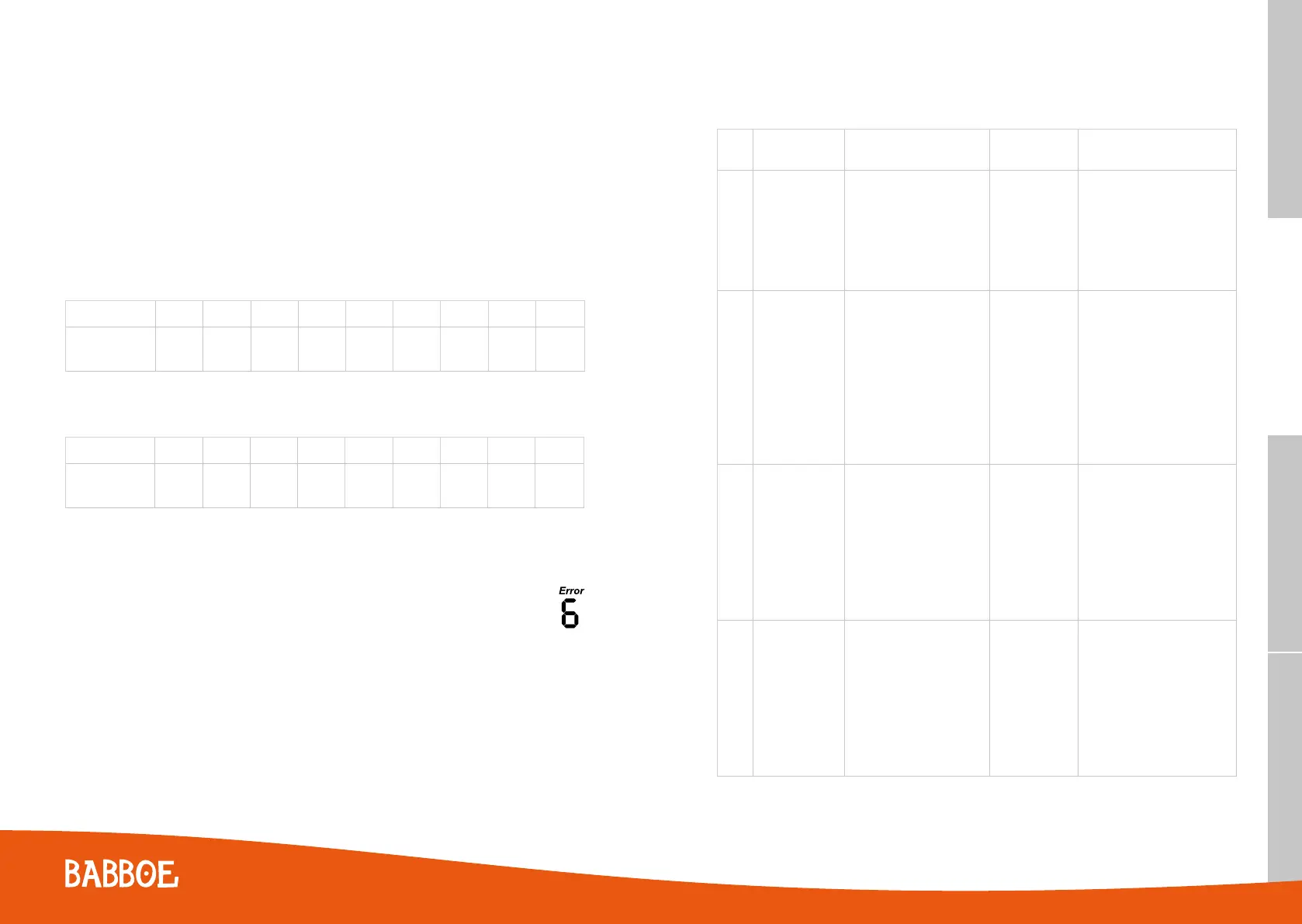
Between the three-wheel, two-wheel Babboe-E system and the Babboe Max-E system, the error codes are
different after code 9, please see the below table for a better understanding.
TIP
- After a long time of use, the capacity indicator might not be in line with the battery capacity itself, because
you never deplete the battery completely. In this case, the solution is to let the light power deplete the battery
power completely after the motor shuts down. Afterwards, charge the battery completely.
- For the most accurate capacity indication on the display we suggest that you carry out a COP2 calibration
every 6 months. To do this make sure that the battery is completey depleted. This action will help shorten the
calibration time. For more information on the calibration proces see “Ibo-COP2 Calibration Process”.
3.4 Speed limit and discharging current
• Three-wheel and two-wheel Babboe-E cargo bikes
Table shows the discharge current and speed limit for each mode for the Babboe two-wheel and three-wheel
cargo bikes.
Modes 1 2 3 4 5 6 7 8 Walk
Speed Limit
(km/hr)
9 12 15 18 18 21 23 25 <6
• Babboe Max-E
Table shows the discharge current and speed limit for each mode for the Babboe Max-E.
Modes 1 2 3 4 5 6 7 8 Walk
Speed Limit
(km/hr)
18 18 18 18 18 18 18 18 <6
Each bar on the display represents about 2A of current, therefore, for example, in mode 5, you will see 5 bars full
during the initial pedalling, it will reduce when the max speed limit is approached.
3.5 Error codes
As with any electronic system, a malfunction is possible. If this is the case, please contact your Babboe
dealer so that any repairs can be performed quickly. The table below shows the error codes and what
they represent. The error code will be displayed on the screen.
0.0
02:15
1
SET
SET
TIME
TIMEto GO
TRIP
ODO
KM
KM
KM/H
TRIP
TRIP
0:00
2
35.3
30.3
ODO
KM
17.00
33.1
FontsVoorbeelden Contouren
Error
code
Description Potential causes Possible source Action
1
Current
detection error
The current detection
error may be caused by a
damaged component inside
the controller that detects
current, therefore, the
controller should be replaced.
Controller Replace the controller
2
Battery
communication
error
This error occurs when the
communication between
the battery and controller is
faulty. It might be a damaged
EEPROM or MX216 connector
on the battery, or damage at
the controller, possible on pins
11, 12, 13, or 16.
Battery,
Controller
When error 2 is shown on the
display but not on the COP,
the controller is defective.
When error 2 is shown on both
the display and the COP, the
battery is defective. In both
cases, please check to see if the
warranty has expired. If it has
expired order a new part.
3
Battery cell
voltage error
Voltage below 2.56V or
above 5.12V
Battery,
Controller
When error 3 is shown on the
display but not on the COP, the
controller is defective. When error
3 is shown on the display and on
the COP, the battery is defective.
In both cases, please check to see
if the warranty has expired. If it
has, order a new part.
4
Temperature
error
Temperature of battery
>50 or <-20C of controller
> 80 or < -20C
Battery,
Controller
When error 4 is shown on the
display but not on the COP, the
controller is defective. When error
4 is shown on the display and on
the COP, the battery is defective.
In both cases, please check to see
if the warranty has expired. If it
has order a new part.
5554



 To Next Page