GETTING READY — — — — — — — — — — — — — — — — — — — — — — — — — — — — — — — — — — — — — — — — — — — —
16
Understanding the LCD Screens
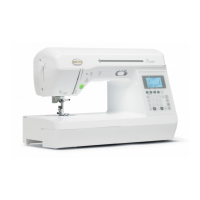
The LCD screen, located on the front at the right of the sewing machine, displays the settings for the
selected stitch and error messages if operations are performed incorrectly.When the sewing machine is
turned on, the LCD comes on and the following screen appears.
a Presser foot that should be used
b Stitch mode
c Selected stitch
d Stitch length (mm)
e Stitch width (mm)
Memo
z For details on the error messages that appear when an operation is performed incorrectly, refer to “Error
messages” (page 144).
1
2
5
4
3



 To Next Page
 Loading...