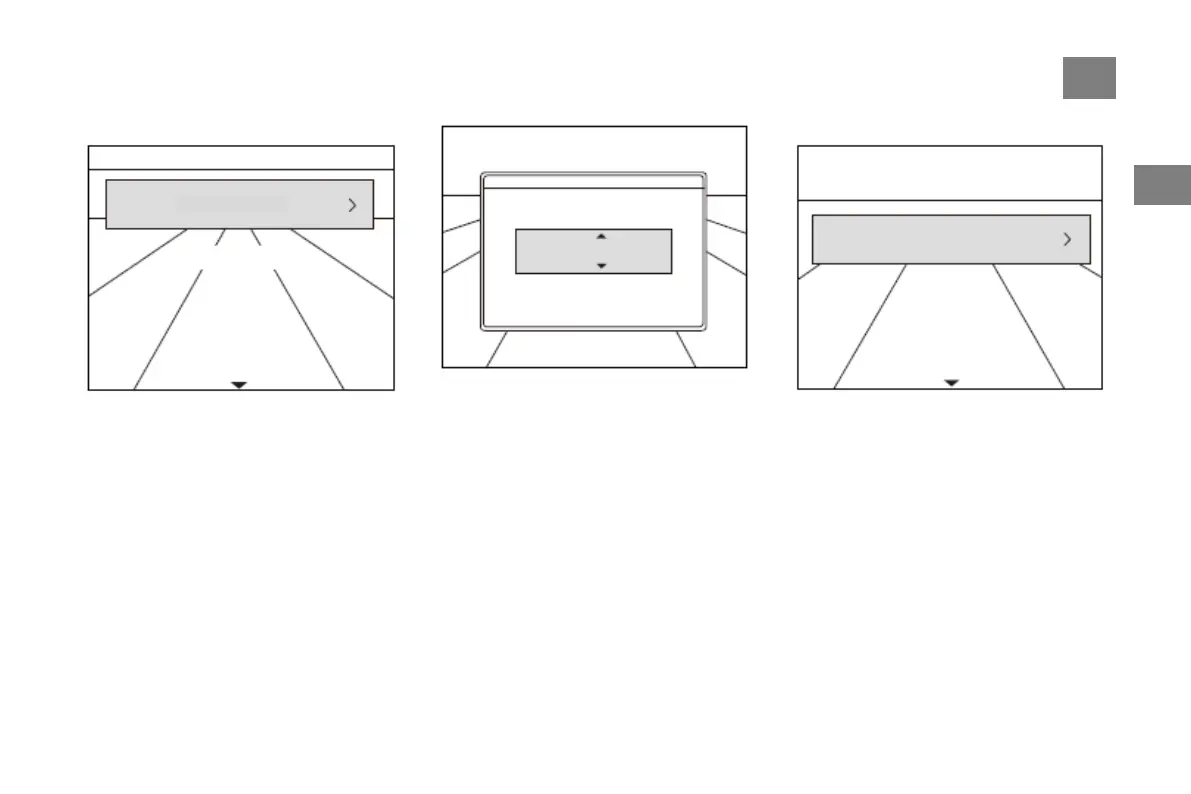
Overspeed Alarm
1. Enter the overspeed alarm setting interface
through the menu, and press "OK" to enter the
setting of the speed value. Press "OK" or
"BACK" to return to the parent menu
Yes, then the interface will return to the parent
menu;
2. The default value of overspeed alarm setting
is 30km/h, setting range: 30-200km/h;
3. Short press "UP" and "DOWN" keys to
increase or decrease the step speed according to
the step value of 5.
Alarm Volume
Enter the alarm volume setting page through the
menu.



 To Next Page