EasyManua.ls Logo

Baileigh Industrial DBG-106 - User Manual

Baileigh Industrial DBG-106
36 pages
Print Icon
To Next Page IconTo Next Page
Loading...
OPERATOR’S MANUAL
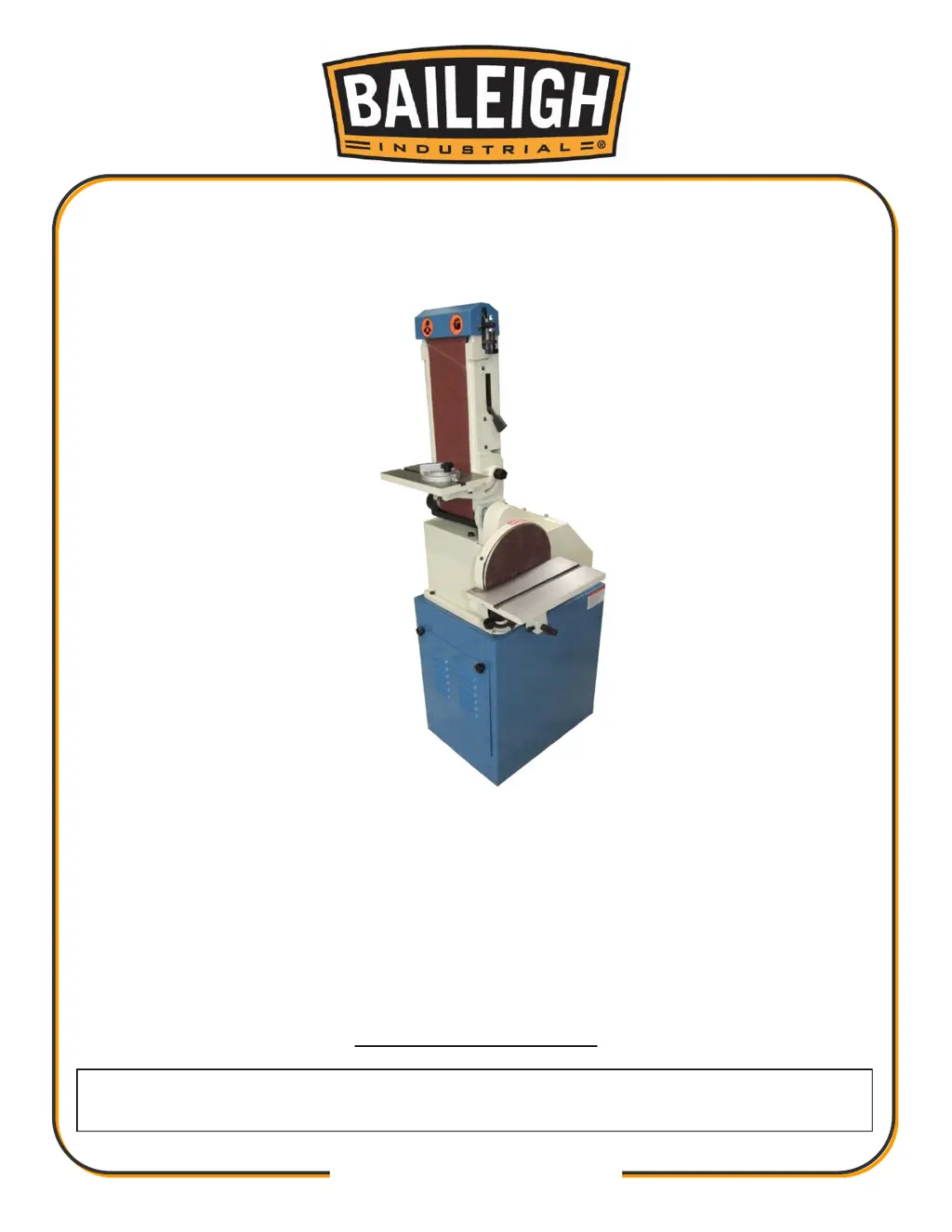
BELT / DISC SANDER
MODEL: DBG-106
© 2014 Baileigh Industrial, Inc.
REPRODUCTION OF THIS MANUAL IN ANY FORM WITHOUT WRITTEN APPROVAL OF BAILEIGH INDUSTRIAL, INC.
IS PROHIBITED. Baileigh Industrial, Inc. does not assume and hereby disclaims any liability for any damage or loss
caused by an omission or error in this Operator’s Manual, resulting from accident, negligence, or other occurrence.
Rev. 03/2014
Baileigh Industrial, Inc.
P.O. Box 531
Manitowoc, WI 54221-0531
Phone: 920.684.4990
Fax: 920.684.3944
sales@baileighindustrial.com

Questions and Answers

  • A
    Amanda HurleyAug 3, 2025
    How to troubleshoot a Baileigh Industrial Sander when the motor will not run?
    • V
      Vernon MillerAug 3, 2025
      If the motor of your Baileigh Industrial Sander won't run, there are several potential causes: * The motor itself may be defective, requiring replacement. * The voltage might be too low; check the power supply to ensure it's providing the correct voltage. * The switch could be defective and need replacing. * A blown fuse or tripped circuit breaker could be the issue. Determine the reason for the blown fuse or tripped breaker, and then replace the fuse or reset the breaker. * The branch circuit may be shut down for service. Verify that no one is working on the machines, wires, or controls in the circuit before replacing the fuse or resetting the breaker. * There might be an open circuit in the wiring. Inspect all wire connections for looseness or breaks.
  • X
    xkingAug 8, 2025
    Why is the belt tracking poorly on my Baileigh Industrial Sander?
    • S
      Shawn WeeksAug 8, 2025
      Poor tracking on your Baileigh Industrial Sander can stem from several factors: 1. The belt tracking might be out of adjustment; in this case, adjust the belt tracking. 2. The belt tension could be too high; loosen it until the belt is just taut. 3. Conversely, there might not be enough belt tension; tighten it until the belt is more taut. 4. The belt may be jointed improperly; inspect it for an irregular seam or shape. 5. The drive roller might lack a crown. Remove the belt and use a straight edge to check for a slight crown (a high spot toward the middle of the roller). If the crown has worn away, replace the roller.
  • S
    spetersonAug 13, 2025
    What to do if the motor stalls easily on my Baileigh Industrial Sander?
    • A
      andradethomasAug 13, 2025
      If the motor of your Baileigh Industrial Sander stalls easily, it could be due to: * Low voltage. Check the motor's voltage and correct it as necessary. * Improper wiring. Check the connections to ensure they are properly configured.
  • K
    Karina RobinsonAug 18, 2025
    Why does the abrasive belt slow down on my Baileigh Industrial Sander, even though the motor runs at working speed?
    • D
      Deborah GilbertAug 18, 2025
      If your abrasive belt or disc slows down on your Baileigh Industrial Sander, even though the motor maintains its speed, the belt might be slipping. Replace the belt.
  • D
    Danielle DeleonAug 25, 2025
    Why does the abrasive belt have a short life on my Baileigh Industrial Sander?
    • R
      ryan10Aug 25, 2025
      If you're experiencing short belt life with your Baileigh Industrial Sander, consider these factors: * Excessive pressure during grinding. Let the belt do the cutting; too much pressure dulls the grit. * Using only one side of the belt or one area of the disc. Utilize all surface areas of the abrasive cloth. * Incorrect abrasive material or grit size. Consult your abrasives supplier for recommendations on the appropriate type and coarseness for your sanding and grinding needs.
  • G
    gjamesAug 28, 2025
    What causes an unsteady belt on a Baileigh Industrial Sander and how to fix it?
    • H
      hjamesAug 29, 2025
      If the belt on your Baileigh Industrial Sander is unsteady, it is likely due to slack in the abrasive belt. Adjust the belt tension to resolve this issue.

Summary

Safety Instructions and Signal Words

Recognizing Safety Alerts

Explains the safety alert symbol and the need to be alert to potential personal injury.

Understanding Signal Words

Defines DANGER, WARNING, and CAUTION signal words used with safety alerts.

Specific Safety Precautions

Eye Protection

Wear safety glasses or suitable eye protection when working on or around machinery.

Dust Hazard Awareness

Wear a dust mask to protect against respiratory damage from dust created by machinery.

Belt Abrasion and Pinch Hazards

Avoid contact with moving belts; do not pinch fingers between belt and rollers.

High Voltage Safety

Use caution in high voltage areas. Assume power is on and follow lockout procedures.

General and Abrasive Sanding Safety

General Safety Practices

Use caution, common sense, and safety equipment to prevent injury. Your safety is your responsibility.

Abrasive Sanding Machine Safety

Warning about hazards of sparks, chips, and dust. Follow safety requirements for protection.

Operational Safety Guidelines

Safe Operating Procedures

Present workpiece correctly, use hearing protection, only qualified personnel operate.

Work Area and Personal Safety

Keep area clean, do not overload, use right tool, dress appropriately, stay alert, avoid wet areas.

Child Safety

Keep children away from work area and machines. Do not let them handle tools or cords.

Additional Safety and Emergency Stop

Electrical Safety Precautions

Do not touch live components, turn off power before maintenance, ensure proper grounding.

Emergency Stop Button Operation

How to use the emergency stop button to immediately stop the machine and how to reset it.

Electrical System and Connections

Electrical Safety Caution

Emphasizes connecting electrical utilities by a certified electrician for safety.

Grounding and Wiring Precautions

Importance of proper grounding to reduce shock risk and warnings about cord condition and connections.

Installation and Machine Placement

Operating Instructions and Adjustments

Belt Sander Operation Basics

Ensuring the sanding belt is in good condition, tensioned, and tracking correctly before use.

Disc Sander and Miter Gauge Operation

Maintenance and Belt Replacement

Belt Tracking and Disc Installation

Tracking Adjustment Procedure

How to adjust belt tracking using the tracking knob for proper alignment.

V-Belt Replacement Procedure

Final V-Belt Assembly and Checks

Machine Setup and Table Adjustments

Disc and Belt Table Adjustments

Routine Maintenance Schedule

General Maintenance Warning

Ensure electrical disconnect is OFF. Perform maintenance regularly by qualified personnel.

Electrical Schematic Diagram

Troubleshooting Guide

Motor and Belt Performance Issues

Diagnosing and resolving issues like motor not running, stalling, or belt slowing down.

Belt Tracking Problems

Troubleshooting poor belt tracking caused by adjustment, tension, or belt condition.

Troubleshooting Belt Life and Notes

Belt Life and Stability Issues

Addressing unsteady belts and short belt life due to pressure, usage, or material.

Baileigh Industrial DBG-106 Specifications

General IconGeneral
Maximum Bevel Angle (Degrees)45
Maximum Wheel Diameter (Inches)10
Phase1
Motor Voltage (V)110
Spindle Speed (RPM)1725
Belt Size6" x 48"