1. Windows-apparaat bijwerken
Controleer of het stuurprogramma
van uw stylus up-to-date is.
Ga naar:
www.wacom.com/inkgo
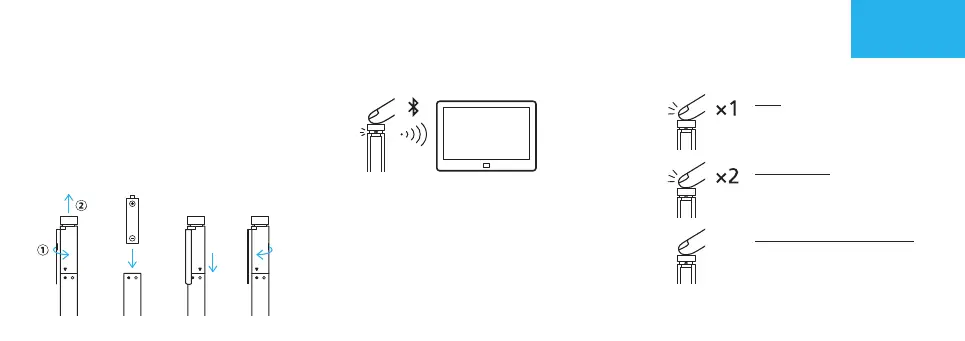
2. Plaats de batterij
a. b. c. d.
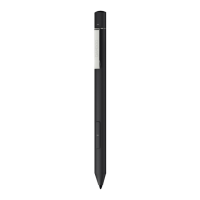
Aan de slag met uw Bamboo Ink
3. Koppel uw Bamboo Ink met uw apparaat
a. Selecteer in het menu Start van
Windows Instellingen > Apparaten >
Bluetooth®. Controleer of Bluetooth
is ingeschakeld.
b. Houd de knop bovenop 6 seconden
ingedrukt. De led begint te knipperen.
c. Selecteer in de lijst met apparaten
Bamboo Ink en klik op Koppelen.
4. Open Windows Ink-apps
Klik op de knop
bovenop om de
Windows Ink-
werkruimte te openen.
Dubbelklik om
Schermaantekening
te openen.
Klik en houd ingedrukt
om Plaknotities te
openen.
NL
6 seconden
GarnetQSGEN.indd6GarnetQSGEN.indd6 2018/05/2811:25:032018/05/2811:25:03


 To Next Page