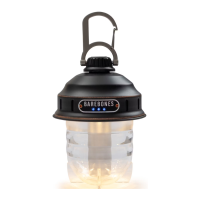
KEY PRODUCT FEATURES
Thecompact,rechargeable,Beaconis packed
with 220 lumensof bright light.The Beaconis
the perfect go anywhere,do anything light.
OPERATING INSTRUCTIONS
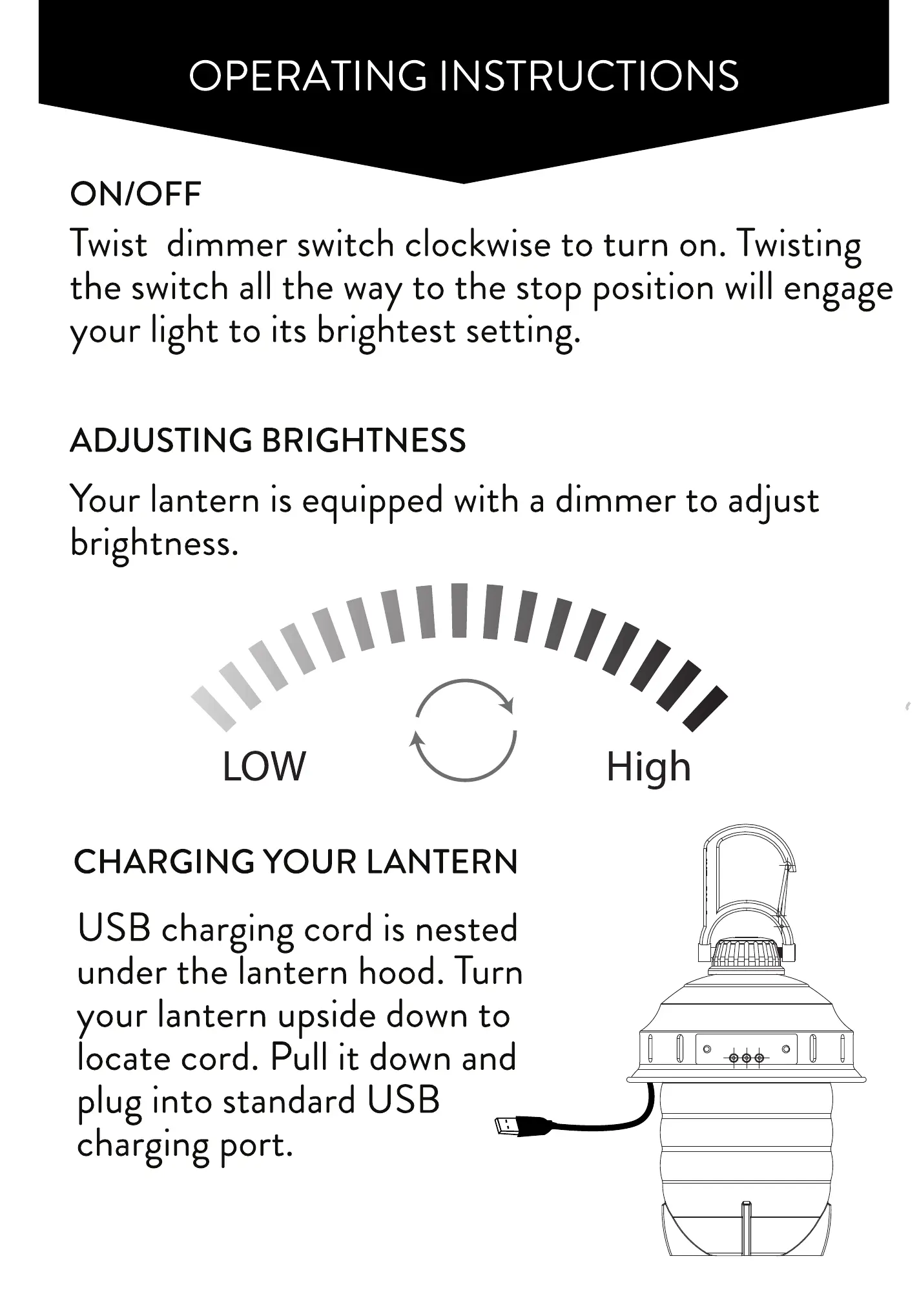
ON/OFF
Twist dimmer switchclockwiseto turn on. Twisting
the switch allthe wayto the stop positionwill engage
your light to its brightestsetting.
ADJUSTING BRIGHTNESS
Yourlanternis equippedwith a dimmerto adjust
brightness.
OPERATING INSTRUCTIONS
REPLACING YOUR BATTERY
Holdingthe top firmly
Twist lens base counter
clockwise to remove.
Twistbattery compartment
counter clockwise. Remove
old battery and replace
with the new. Re-assemble
battery compartment.
Lenswill only engagein the
correct positionswhenflat
spot on lensalignswith
USB plugon the back.
Twist clockwise to lock.
ABOUT YOUR BATTERY
LENS BASE
ON/OFF
DIMMER
SWITCH
BATTERY LIFE
INDICATOR
CARABINER
CHARGE
FROM
USB PORT
RECHARGEABLE
REPLACEABLE
BATTERY
30" USB EXTENSION
CHARGING CORD
BATTERY
COMPARTMENT
TO RE-ASSEMBLE
ALIGN USB
FLAT SPOT
ON LENS
LOW
CHARGING YOUR LANTERN
chargingcord is nested
under the lantern hood. Turn
your lanternupsidedownto
locate cord. Pull it down and
pluginto standardUSB
chargingport.
High
A replacementbattery can bepurchasedat
www.barebonesliving.com.
•Warning:PleaseONLYuseBarebonesBatteriesin
this Lantern.Differentbrands,size,capacity,or
typemaycausedamageto thelanternor the
batteriesbeingusedandvoidyourwarranty.


 To Next Page
 Loading...