6
5. Adjust temperature: The temperature can be set within a range of 62.6-86°F (17-30°C) under cooling
mode. Press “+” or “-” buttons to increase or decrease the temperature 1.8°F (1°C) by pressing once. Press
+ and - buttons together to convert Celsius degrees and Fahrenheit degrees and corresponding indicator
will light up.
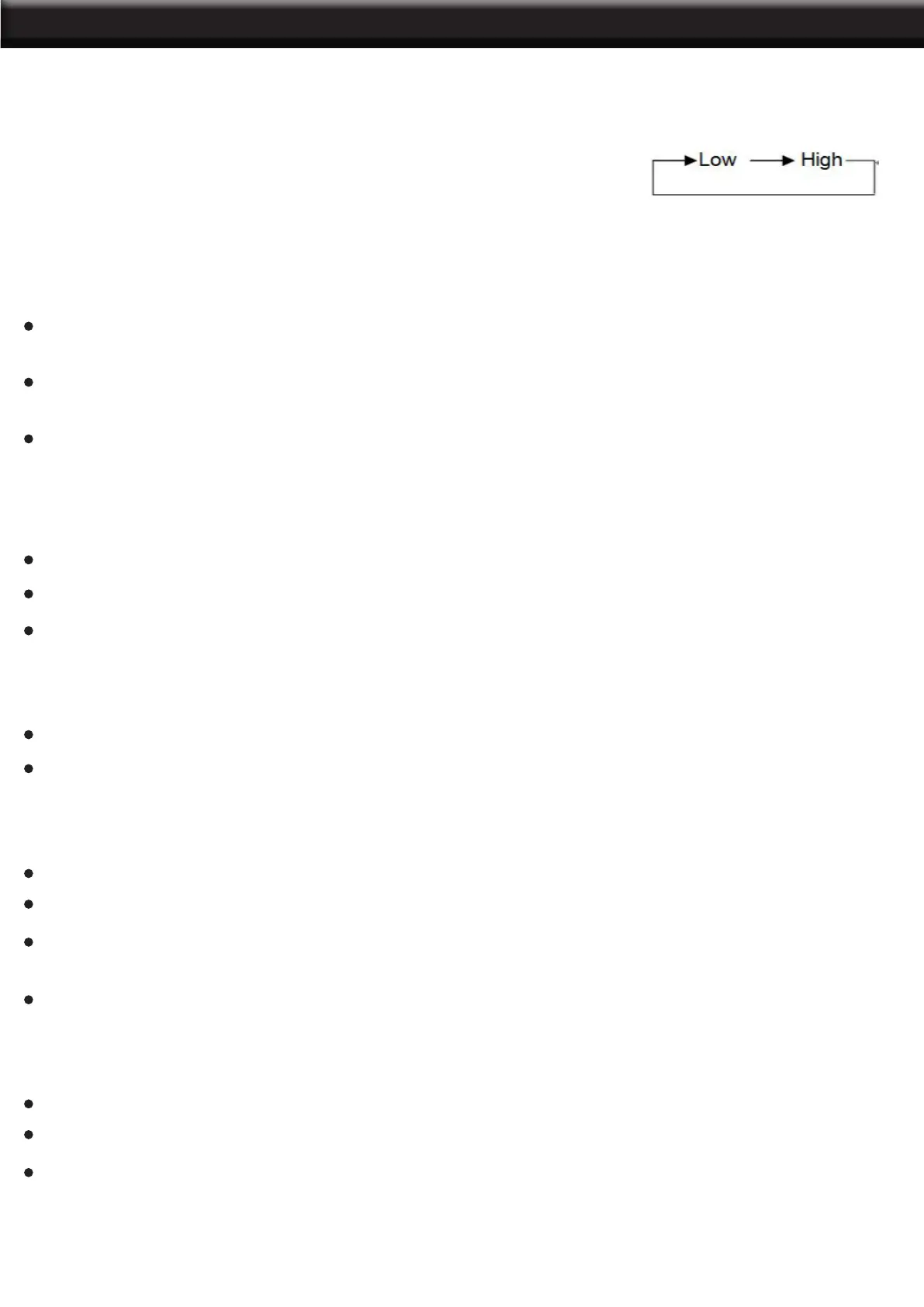
6. Adjust fan speed: Press the FAN button to select a desired fan speed.
7. Stand By: Press the POWER button again, the unit will stop working and the power indicator will be lit
up in red.
8. Cool Mode:
When room temperature is 1.8°F (1°C) higher than setting temperature, the compressor and fan will
start working.
When room temperature is 1.8°F (1°C) lower than setting temperature, the compressor will stop working
and fan keep working at original speed.
Room temperature can be set within a range of 62.6-86°F (17-30°C) and fan speed can be adjusted to
high or low level.
9. Fan Mode:
Fan runs at set speed and can be adjusted to high or low, compressor do not work.
Room temperature will automatically show on LED display with range 50-95°F(10-35°C).
Room temperature can’t be adjusted.
10. Dehumidify Mode:
Fan runs at low speed automatically, fan speed and room temperature can’t be adjusted.
Room temperature will automatically show on LED display with range 50-95°F (10-35°C).
11. Sleep Mode:
Under cooling mode, press “Timer” + “-” buttons together, the unit auto enter into “Sleep” mode.
Fan will turn to low speed automatically and can’t be adjusted.
Set temperature will increase 1° when unit running in 2 hours, increase 1.8°F(1°C) again in another
2-hour working, then keep set temperature unchanged further.
Room temperature will automatically show in LED display with range 50-95°F (10-35°C).
12. Timer Operation:
Press “Timer” button to set automatic OFF time while unit is running.
Press “Timer” button to set automatic ON time while unit is off.
The time can be adjusted within a range of 1-24 hours, press “+” or “–” buttons to increase or decrease
1 hour by pressing once.
OPERATION


 To Next Page