English
4
Before we start
This WiFi adapter is used to connect a camera to your wireless network. Please make sure
the recorder from your camera system is connected to the same network. Normally this is
done by using a network cable between your recorder and router. Once the camera is
connected to your wireless network. The recorder will find the camera automatically.
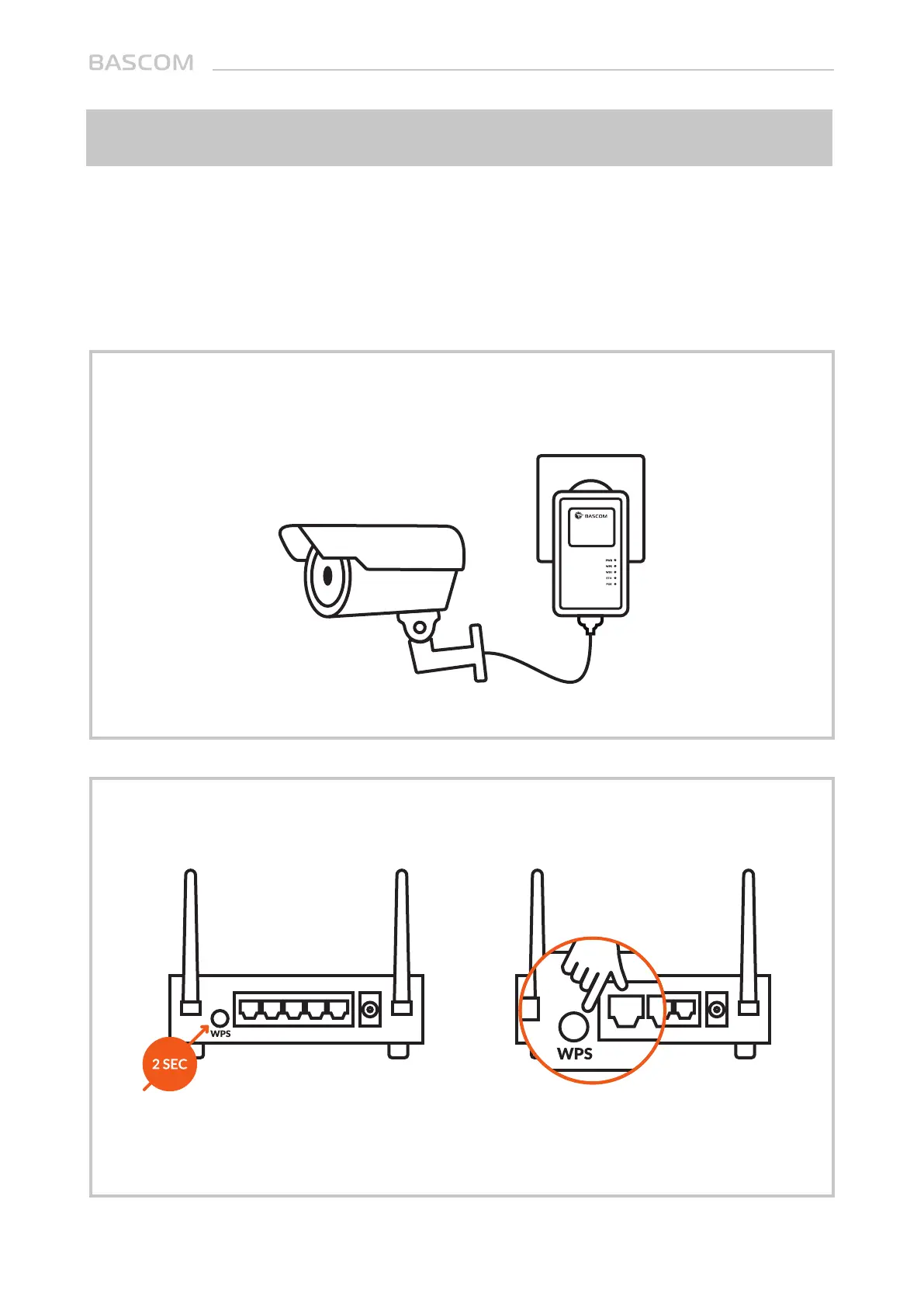
Step 1: Plug the WiFi adapter into a power outlet and connect the camera to the
adapter.
Step 2: Press the “WPS button” on your router. Do the same on the WiFi adapter
within 2 minutes (see the next step).
If your router does not have a WPS button, you can also use its web configuration
menu’s WPS function to establish a connection.
WPS



 To Next Page