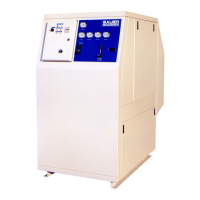
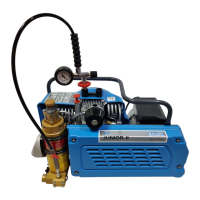
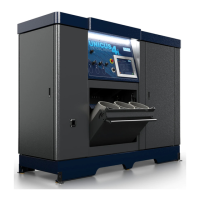
ImVT 120 II Mini Verticus
Page 20 1st Edition, Rev. 0 Chg. 10
3.1.9.2 General Instructions for Changing the Valves
• Always replace valves as a complete set.
• Carefully clean dirty valves. Never use a sharp tool for this purpose. Soak the valves in Varsol and
clean with a soft brush. If possible, use an ultrasonic cleaner.
• Check the individual components for excessive wear. If the valve seat or valve discs are dented,
replace the valves.
• Check the valve space in the valve heads for dirt, and clean if necessary.
• Use only satisfactory gaskets and O-rings during reassembly.
• Observe the correct sequence when reassembling.
• After finishing all maintenance work on the valves, turn the compressor manually using the flywheel
and check whether all items have been correctly installed.
• 30 minutes after restarting the compressor, stop the unit, let it cool down to ambient temperature, and
retighten valve studs and cap nuts. Otherwise the gasket set may cause a leak.
• Remove and check the valves every 1000 operating hours.
• Replace the valves every 2000 operating hours to avoid fatigue failure.
3.1.9.3 Changing the IK120 II 1st Stage Valves
The intake and pressure valve of the IK120 II 1st stage are in a combined plate valve under the valve
head. Refer to Figure 3-12 and proceed as follows:
1. Remove all tubing connections and lines from the Valve Head (2).
2. Remove all Hex Head Screws.
3. Remove Valve Head (2).
4. Note orientation of Plate Valve (1) before removing it.
5. Reassembly is the reverse of the above steps.


 To Next Page
 Loading...