27
Defrost by Weight
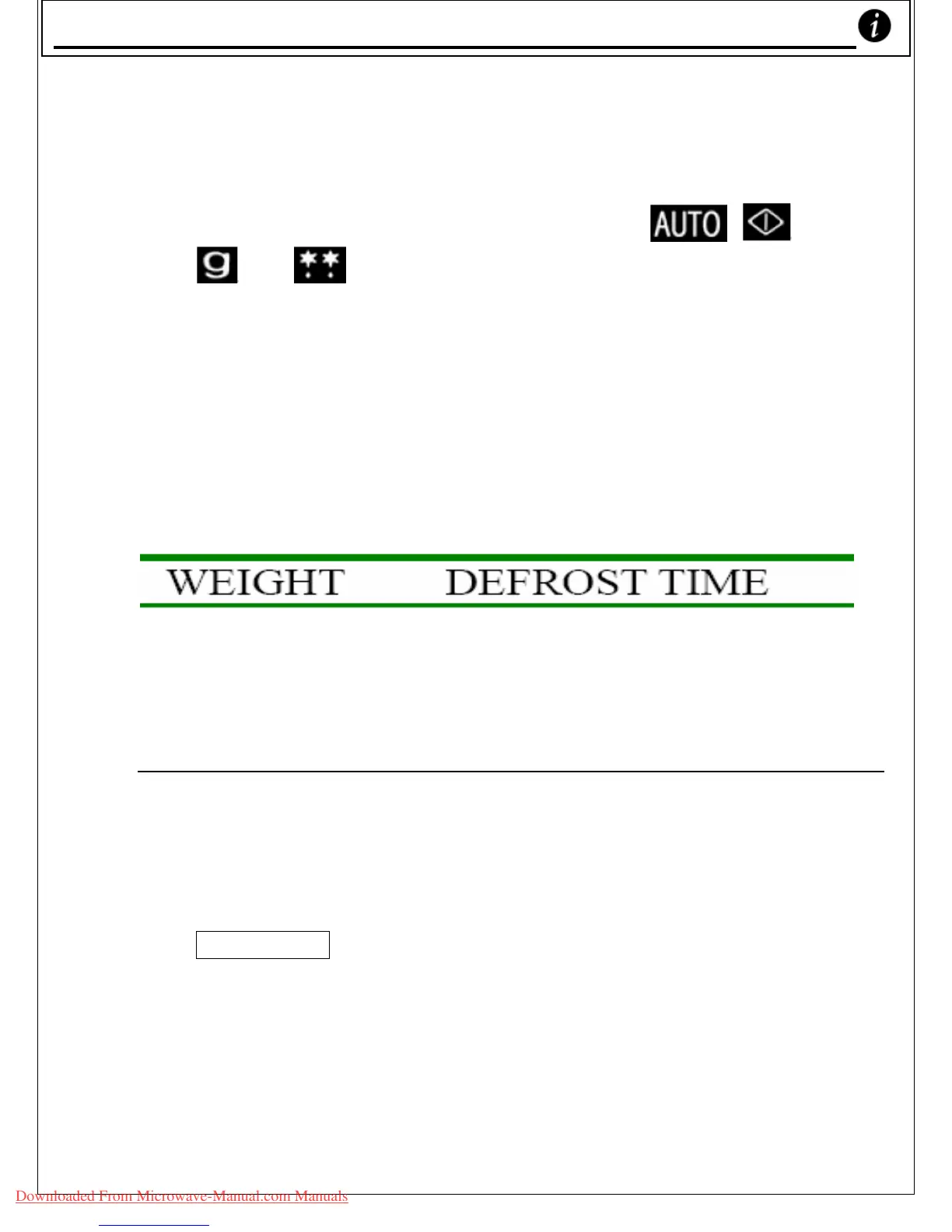
1. Rotate the COOK dial clockwise until
, ,100,
, & are displayed.
2. Rotate the COOK dial clockwise to set the weight of
your frozen food (I.e. past ‘8’). You can use the
DEFROST BY WEIGHT function to defrost anything
weighing from 100g up to 2.7 Kg (2700g).
3. Press ‘START’ button.
For information about the weight of food & its defrosting time
needed, please check the following table:
100g 80 sec. (1min 20sec.)
200g 160 sec. (2min 40sec.)
300g 250 sec. (4min 10sec.)
400g 353 sec. (5min 53sec.)
500g 455 sec. (7min 35sec.)
2600g 2597 sec. (43min 17sec.)
2700g 2699 sec. (44min 59sec.)
• Remember: If you want to stop the oven during the
defrosting process, press the ‘STOP/CANCEL’ button or
open the oven door.
• To restart the oven, close the door and press the
‘
START’ button. If you wish to cancel the cooking
program, press the ‘
STOP/CANCEL’ button twice.
Defrost by Weight
Downloaded From Microwave-Manual.com Manuals



 To Next Page