BPB24-G2 BPB24-DS-G2
BPB36-G2
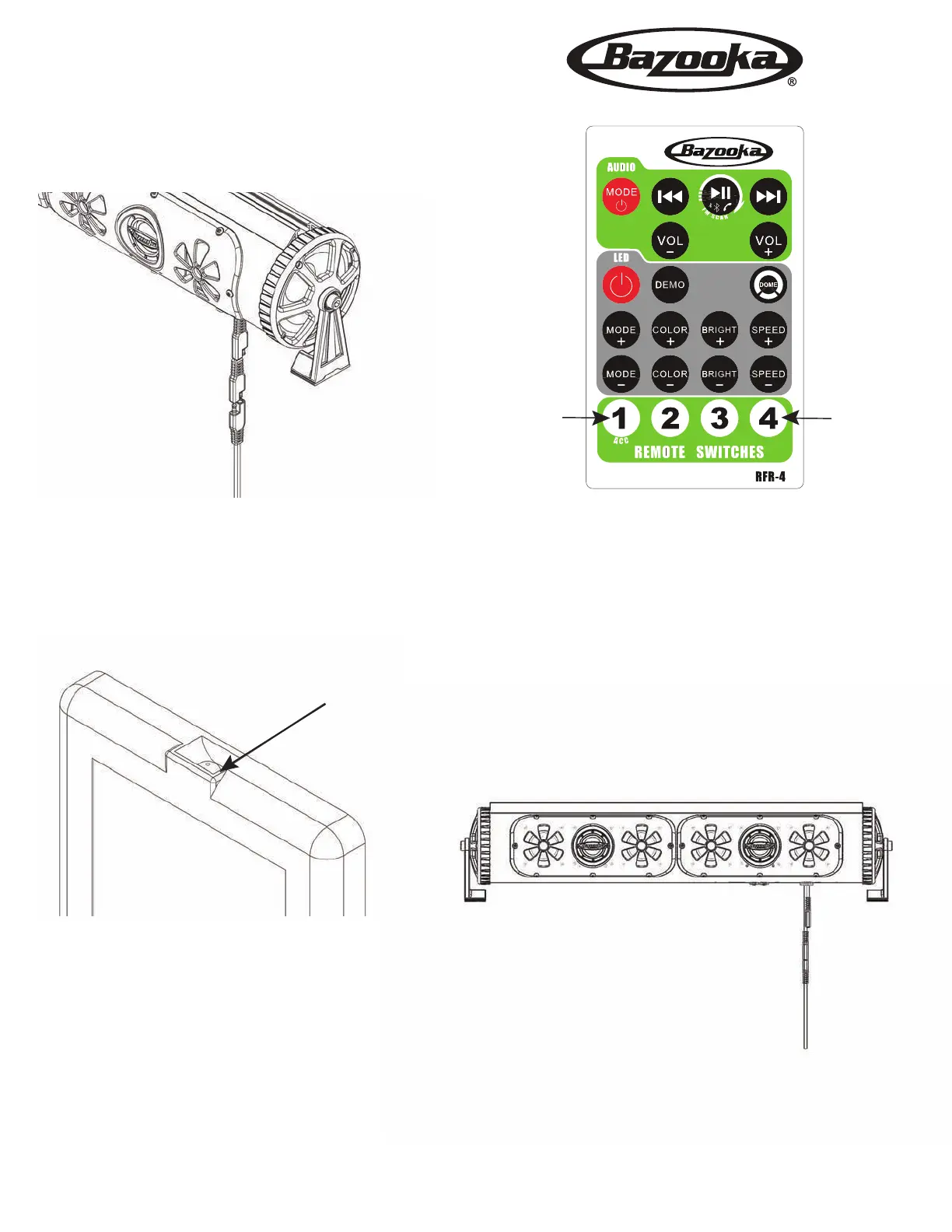
Remote Pairing Instructions
Step 1. Remove the power from the BPB-G2 by unplugging
the main power cable. Wait 30 seconds
Red LED
Step 3. Plug the BPB-G2’s main power cable back in.
You will see the flashing LED on the remote go off.
Now your remote is paired to the BPB-G2.
HoldHold
Step 2. Press and hold the
1 and 4 buttons.
After 5 seconds you will see that the red led
on the remote will start to flash slowly. Once
the led is flashing release the buttons.



 To Previous Page