Preparation
• Place the scale on a levelled, horizontal and solid surface in order to ensure
that the measured weight is accurate.
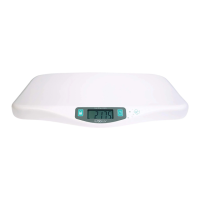
• Press “Tare” to switch on the scale. As soon as “0.000 kg” appears on
the display, the scale is ready to take measurements.
• Place the baby on the weighing area. Be careful that the baby doesn’t fall
taking particularly care of the baby’s head.
• If the baby is moving around vigorously, his/her weight won’t be recorded.
Trytocalmthemovingbabyrstinordertoachieveaquickmeasurement,
but do not touch the baby while the scale takes the measure, as it would affect
the weight result. As soon as the baby’s weight is established on the display,
theword“Hold”stopsashingandtheweightisdisplayedfor20seconds.
The scale then switches off automatically.
Changing the measurment units
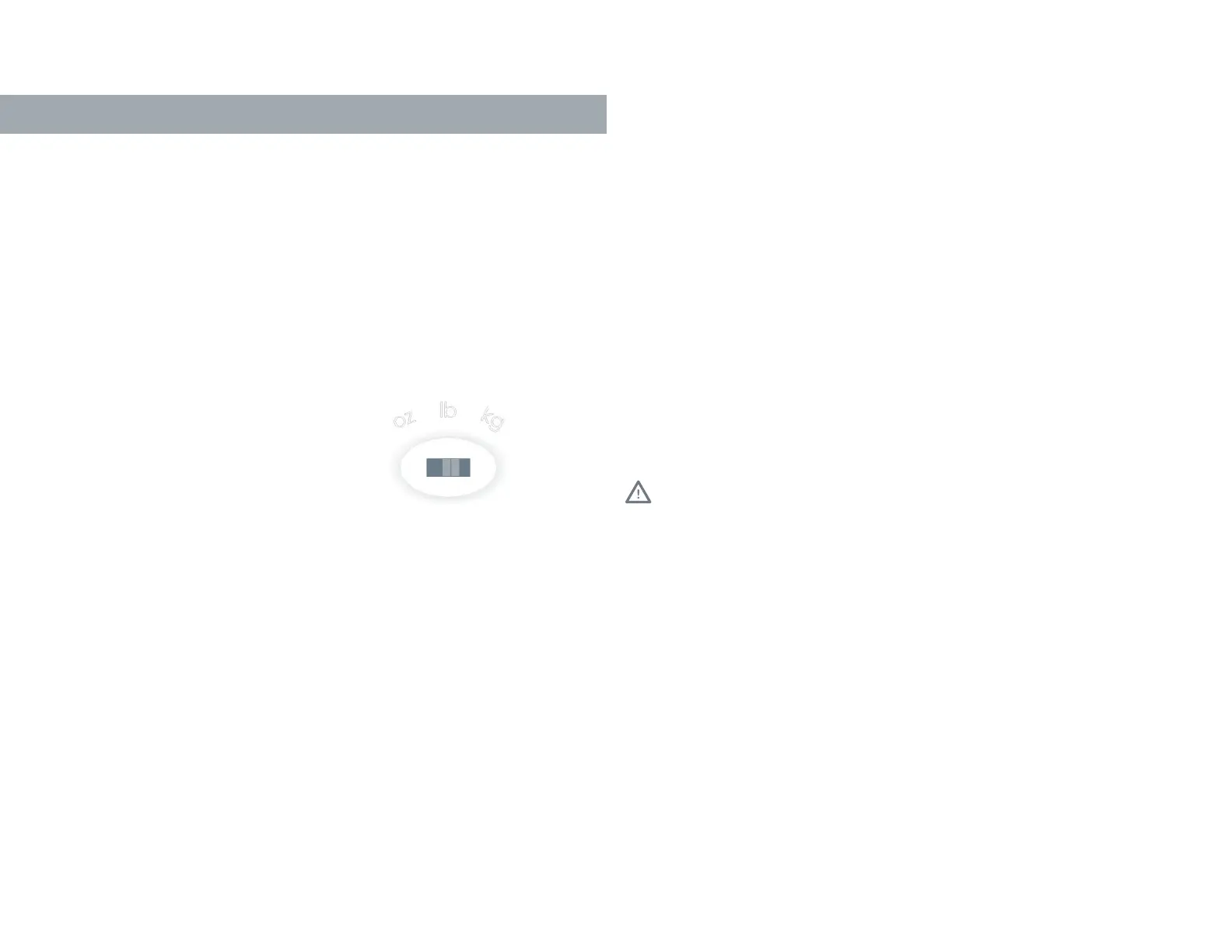
• Use the switch under the scale
to change the measurement unit.
Hold function
• Your baby scale has a “Hold” function (auto Hold and manual Hold). The auto
Hold function establishes the baby’s weight on the display as soon as he/she
is still enough to reach an exact measurement value. The manual Hold allows
for a faster reading in the case of vigorous movements from your baby. All you
have to do is to press the ‘’Hold’’ button. Within 3 seconds, the word “Hold” will
stopashingandtheweightwillbedisplayedfor20seconds.Thescalewill
switch off automatically.
Tare mode
• If you do not want to place the baby directly on the weighing surface
and prefer to use a towel, place the towel on the scale before switching it on.
If the towel (or any other item you want to subtract from baby’s weight) weighs
over 0.05 kg, you can also use the Tare function to set the scale back to zero
once the scale is on.
• Once you have pressed the “Tare” button, “Tare” is shown in the display.
To reset the scale to 0.000 kg, press the “Tare” button after the word “Hold”
hasstoppedashing.Makesurethescreendisplaysonly0.000kg.Inorder
to get the best reading, it is recommended to turn your scale off by holding
the “Tare” button for a few seconds and turning it back on.
Cleaning
• Youcancleanyourscalewithadampclothandabitofdishwashingliquid.
Makesurenottouseanychemicalagents.
• Never immerse the scale under water, rinse with running water or allow any water
to get inside.
Storage
• Store the scale in a cool and dry place in order to preserve the battery life.
• Do not place any objects on the scale when not in use.
• Never put heavy objects on the scale.
• Always store the scale on a horizontal surface.
Battery
• Thescalerequiresone(1)CR2032battery.Itmustbeinsertedinthebattery
compartment under the scale ensuring the right polarity.
• If there is no display after turning on the scale, please check whether the battery
and battery contacts are well connected. If the scale has not been used for a long
period of time, try to replace the battery.
• Removethebatteryifthescaleisnotgoingtobeusedforalongperiodoftime
or if it is going to be transported.
• The battery needs to be replaced when “Low” appears in the display.
Warnings
• Thescalecanacceptamaximumloadof20kg|44lb|705ozandaminimum
weightof0.05kg|0.11lb|1.76oz.Theweightmeasurementisdisplayed
inincrementsof0.005kg|0.01lb|0.18ozdivisions.
• The electronic scale has a minimum starting weight of 50g. When the weight is less
than 50g, the product displays “0.000”.
• The scale is not designed for commercial use or for weighing adults.
• Ondelivery,thescale’sunitmeasurementissetto“kg”.The“kg|lb|oz”button
is located under the scale and allows you to switch between kilograms (kg),
pounds (lb) and ounces (oz).
• Protectyourscalefromhardimpacts,moisture,dust,chemicals,liquidcosmetics,
greattemperatureuctuationsandsourcesofheat(openre,radiators,etc.).
• Strongelectromagneticelds(e.g.cellphones)mayimpairtheaccuracy
of the scale.
• Never use the scale on the edge of an elevated surface.
ENGLISH
Kilö – Baby scale
OPERATION,CAREANDSTORAGE


 To Next Page
 Loading...