EN
Viyü
6
ENGLISH
SET UP YOUR VIYÜ
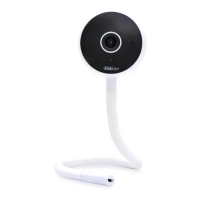
Place your Viyü on a clean and stable surface or attach it to a wall
bracket that has been safely installed on your wall (the bracket
can be xed to the wall with the provided screws or adhesive
tape). To ensure good image quality, place the camera between
1 and 2.5 meters away from the baby’s head.
You can position the camera tail
F
however you would like. You
can twist the camera rod to hang the camera on any solid vertical
structure that is out of the baby’s reach. However, make sure not
to bend the base of the camera head (the area marked with a
gold sticker). Never attach your Viyü to a crib or place it within
reach of the baby.
Your Viyü does not include a battery and must remain plugged in
at all times to operate properly.
*It is important to note that the blue light in the front of the camera is very bright.
Pay attention to the level of brightness when setting up your Viyü in the nursery.
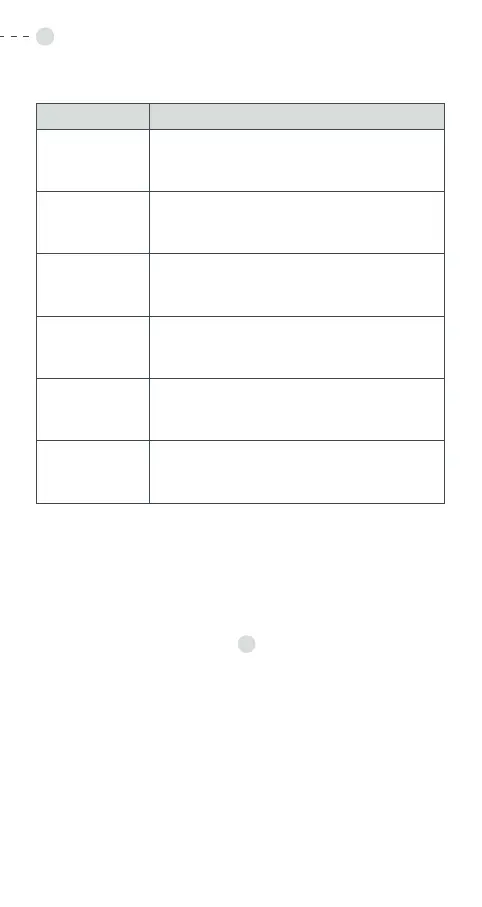
WHAT EACH LIGHT TELLS YOU ABOUT THE DEVICE’S STATUS
LIGHT STATUS
Solid red
Your Viyü is no longer connected to the
network
Red light
(blinking)
Your Viyü is searching for the Wi-Fi network
Red light
(blinks
rapidly)
Your Viyü found the network and is in the
process of connecting to the Wi-Fi
Solid blue
light
Your Viyü is functioning correctly.*
Blue light
(blinking)
Manual Wi-Fi conguration mode is on
Blue light
(blinks
rapidly)
Your Viyü is in the process of connecting
to the Wi-Fi in manual conguration mode


 To Next Page
 Loading...