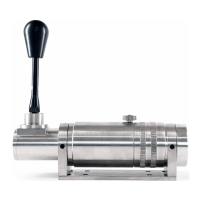
The shifter is generally mounted directly to aluminum
profile, BDH can provide a mounting plate for rigs such as
Advanced Sim Racing and Trakracer chassis, sold
separately.
Insert the nuts into the profile slots and mount the
shifter to
the aluminum profile. Once the holes on the base of the
shifter are aligned to the bolts, insert the bolts and
tighten the shifter to the simulator chassis. Adjust the
shifter as necessary by loosening, moving and re-
tightening the shifter as desired.
Your shifter comes with the USB cable attached for
ease, to relocate the cable entry hole to suit your
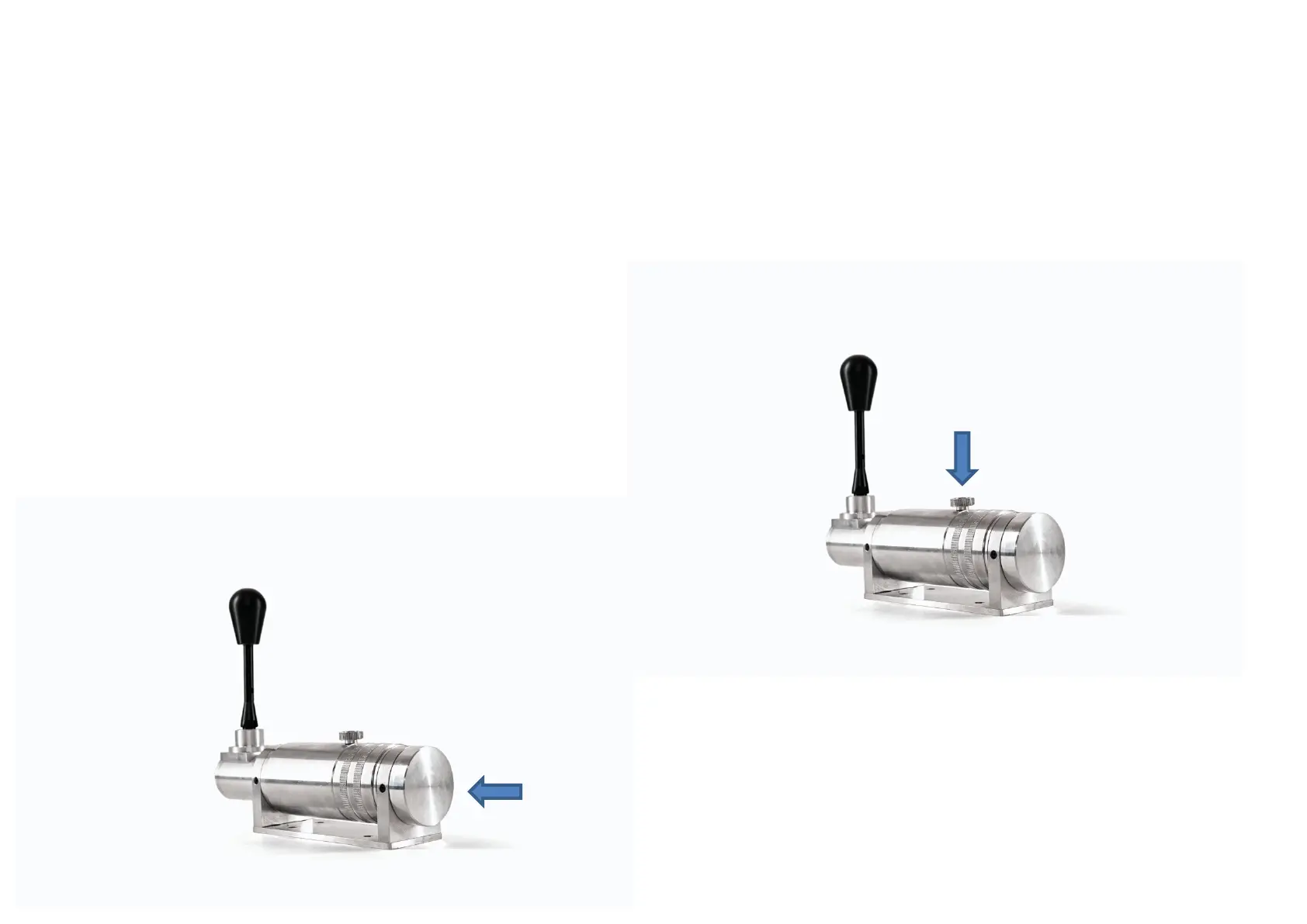
needs, remove the larger end cap by loosening the grub
screw with a 2mm Allen Key.
This reveals the end of the shifter chassis and the USB
connection, is visible:
You can rotate the end cap to your choosing, make sure to re-
attach the grub screw. Attach the other end of the USB lead
into your PC.
Now it’s time to attach the Thumb Wheel
The Thumb Wheel is the tensioning mechanism for the shifter
Insert the Thumb Wheel into the top hole, you will see a yellow
spring that the Wheel mounts upon, screw the wheel in to
about halfway. Once the shifter is mounted you can use the
Thumb Wheel tensioner to establish the right feel for your
drive in either H or SQ modes.


 To Next Page
 Loading...