ENGLISH
S. 17
Cruise control:
Hold the same speed for at least 6 seconds to use this function.
Deactivate the function by pressing the brake or accelerator pedal.
Speed units:
Press three times quickly to switch between km/h and mp/h.
Headlight:
Press twice quickly to turn the headlight on/off.
Speed units:
Press three times quickly to switch between km/h and mp/h.
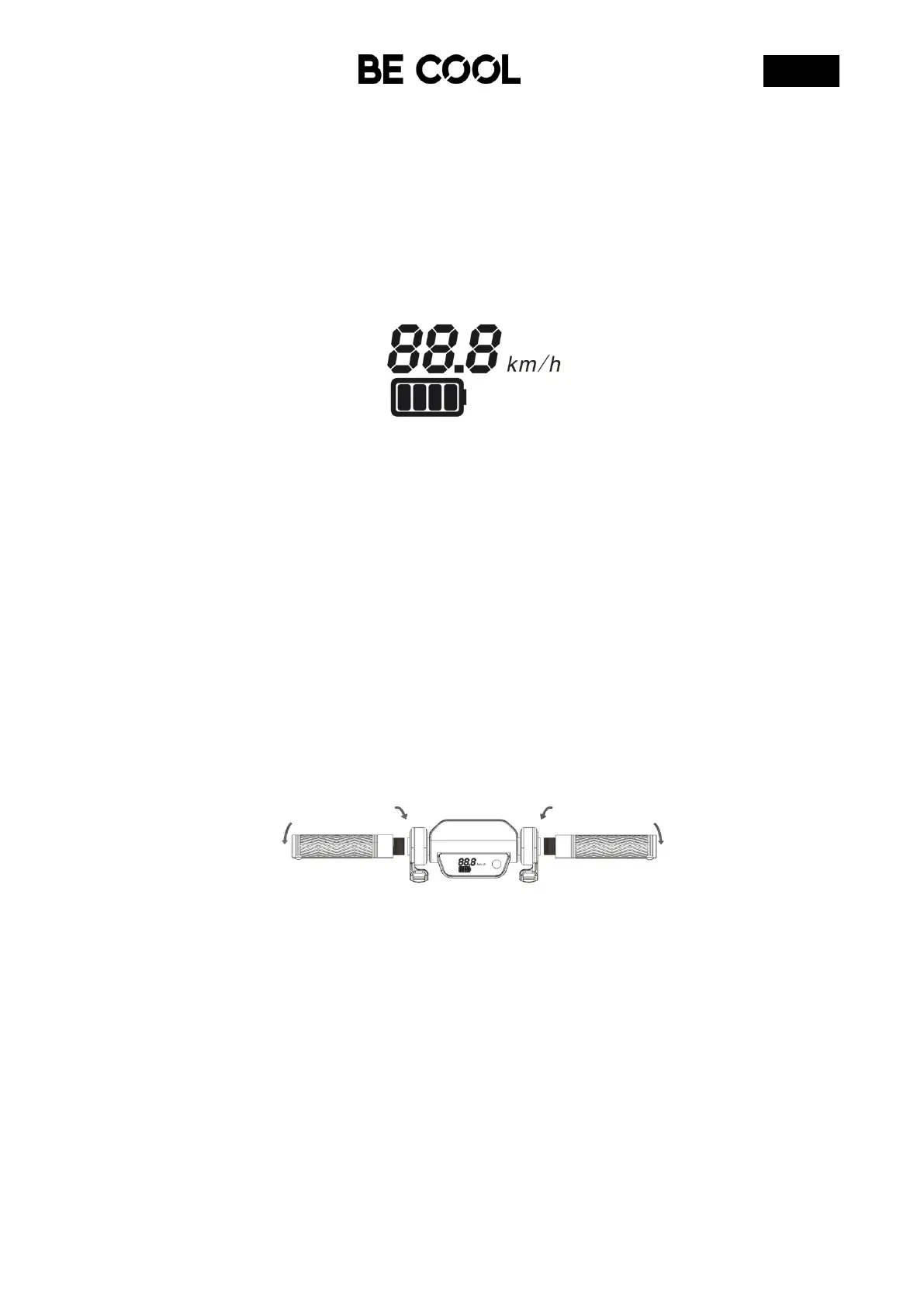
3.3 Display Information
• This icon shows how much battery life you have left.
• These numbers indicate the current speed.
When the battery level is low, stop riding, turn off the scooter and fully charge it.
4 FOLD & ASSEMBLE
Make sure that the e-scooter is switched off before working on its parts. The scooter is
delivered mostly assembled in the packaging.
A little assembly is required before riding. All parts and tools are included.
4.1 Handlebar assembly
Before installing the handlebars, using these 4 x M5 screws to tighten the handle bar part.
Make sure the 4 screws securely tightened.
4.2 Standing the Scooter
Locate the kickstand on the side of the scooter’s deck.
Push the kickstand down and away from the scooter then carefully lean the weight of the
scooter onto the kickstand.


 To Next Page