19English
Press the buon to change between the dierent modes. The display changes
between "AUTO", "ON" and "OFF".
Please note that when changing from "ON" or "OFF" to "AUTO", the last mer
state is retained unl one of the congured mer programmes triggers a change.
10. Random funcon
The random funcon allows random switching delay from 6:00 p.m. to 6:00 a.m.
between 15 and 30 minutes for "ON" mes and between 45 and 60 minutes for
"OFF" mes
Press the "RND" buon to enable or disable the random funcon. If the funcon
is enabled, this is indicated by an "R" above the second display.
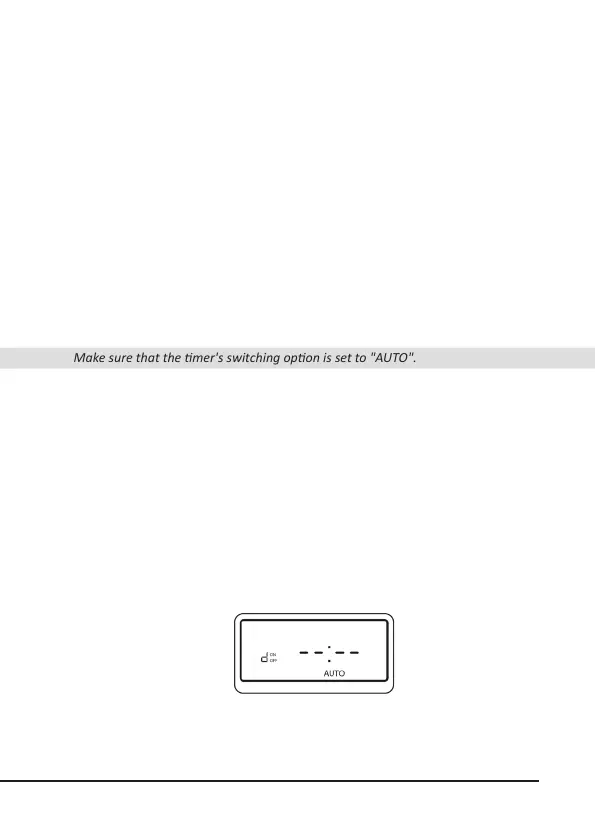
Make sure that the mer's switching opon is set to "AUTO".
11. Daylight saving me
Press the "CLOCK" and "ON/OFF" buons simultaneously to toggle between
summer and winter me. If summer me is set, then an "S" symbol is shown in
the mer display. In this case, the clock is put forward by one hour.
12. Countdown mer
You can set a countdown mer for switching on and o.
To do this, press the "V+" or "V-" buon in the me display to access the program
sengs. Navigate through the program sengs unl you see the countdown
display ("d").


 To Next Page