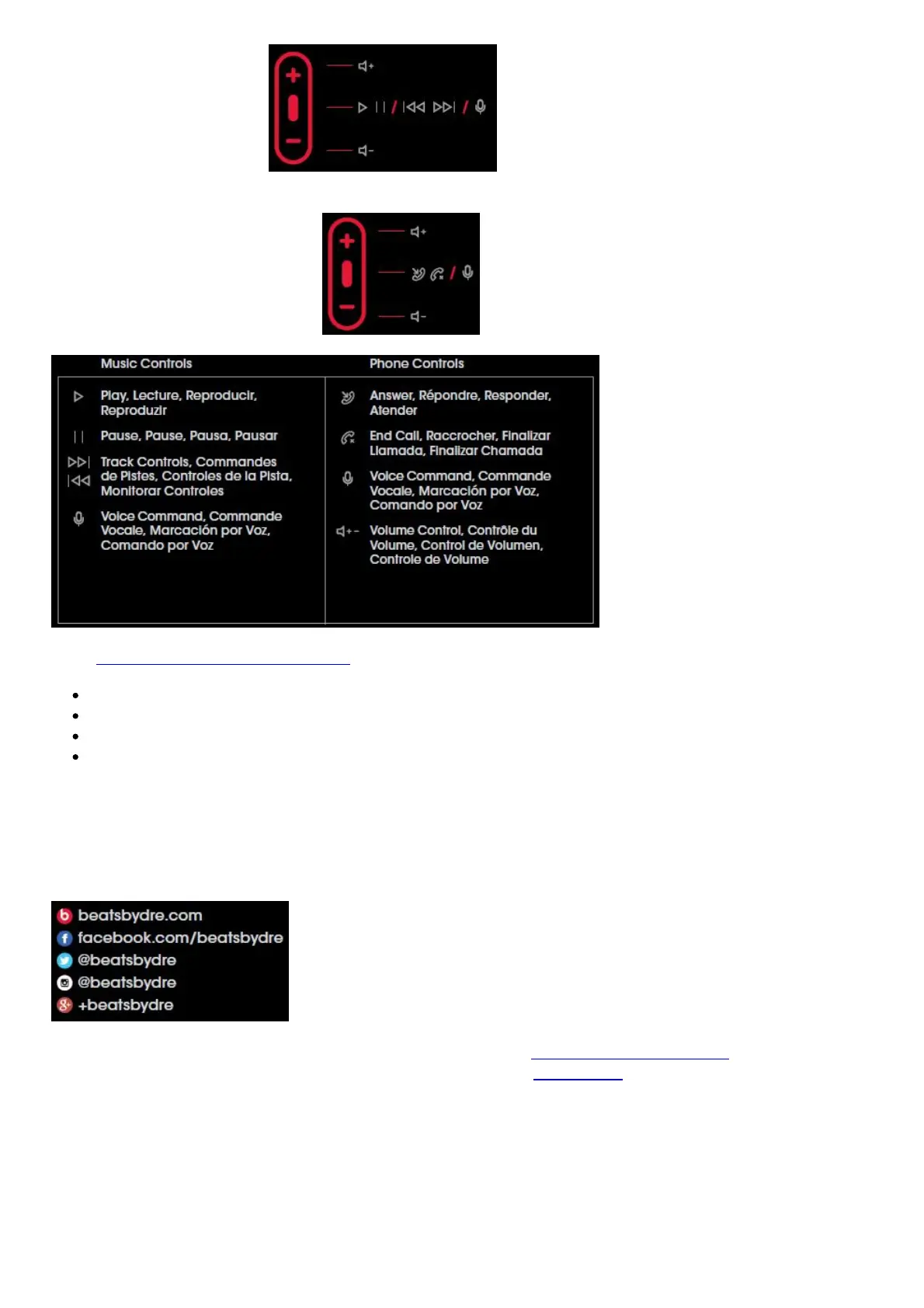
iPod®, iPhone® and iPad®
Android™, Windows® and BlackBerry®*
*Functionality may vary by device
VISIT BEATSBYDRE.COM/SUPPORT FOR MORE INFORMATION
Product Care
Troubleshooting
Product Registration
Warranty
“iPod”, “iPhone” and “iPad” are trademarks of Apple Inc., registered in the U.S. and other countries.
“Android” is a trademark of Google Inc. “Windows” is a registered trademark of Microsoft Corporation
in the United States and other countries. Blackberry® is the property of Research In Motion Limited
and is registered and/or used in the U.S. and countries around the world. Used under license from
Research In Motion Limited. “powerbeats” and “RemoteTalk” are trademarks of Beats Electronics.
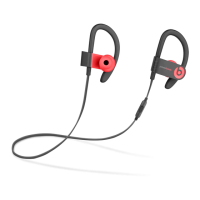
Powerbeats2 Bluetooth Wireless Headphones User Manual – Download [optimized]
Powerbeats2 Bluetooth Wireless Headphones User Manual – Download
Related Manuals:
1. Powerbeats2 Wireless Earphone User Manual Powerbeats2 Wireless Earphone Power Press
power/connect button to power on....
2. Powerbeats2 Wireless In-Ear Headphone User Manual Powerbeats2 Wireless In-Ear Headphone
POWER Press power/connect button to power...
3. Philips ActionFit SH402 Bluetooth wireless headphones User Manual User manual Register



 To Next Page