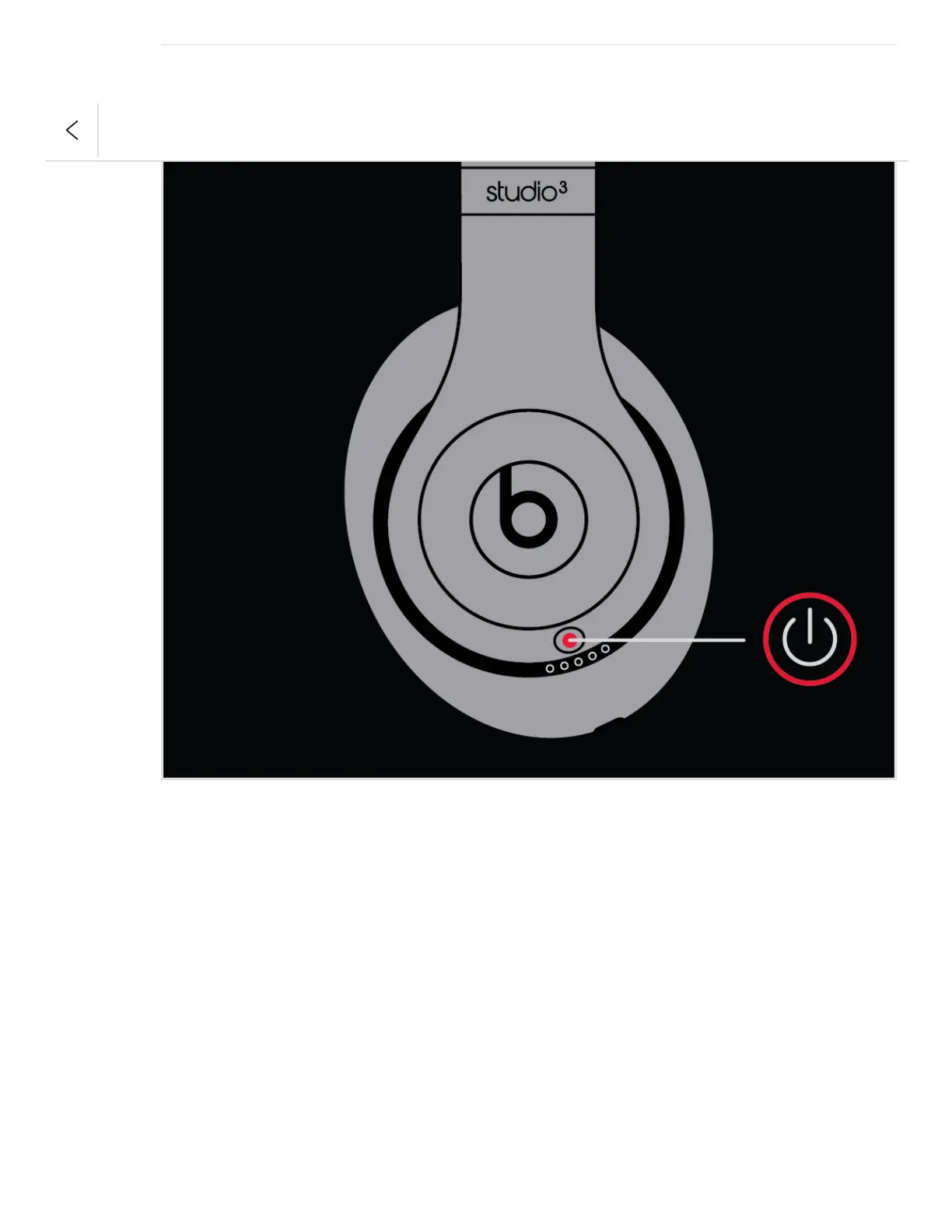
Pair your headphones
If you turn your headphones on and the indicator light turns on but doesn't flash, your
headphones are already paired with a device. In that case, follow the steps to connect to a
different device.
Pair with an iPhone that uses iOS 11 or later
1. On your iPhone, go to Settings > Bluetooth and make sure that Bluetooth is turned on.
2. Press the power button on your headphones for 1 second.
3. Hold your headphones within 2 inches of your unlocked iPhone. After a few seconds,
your iPhone asks you to connect.
4. Follow the instructions on your iPhone.


 To Next Page