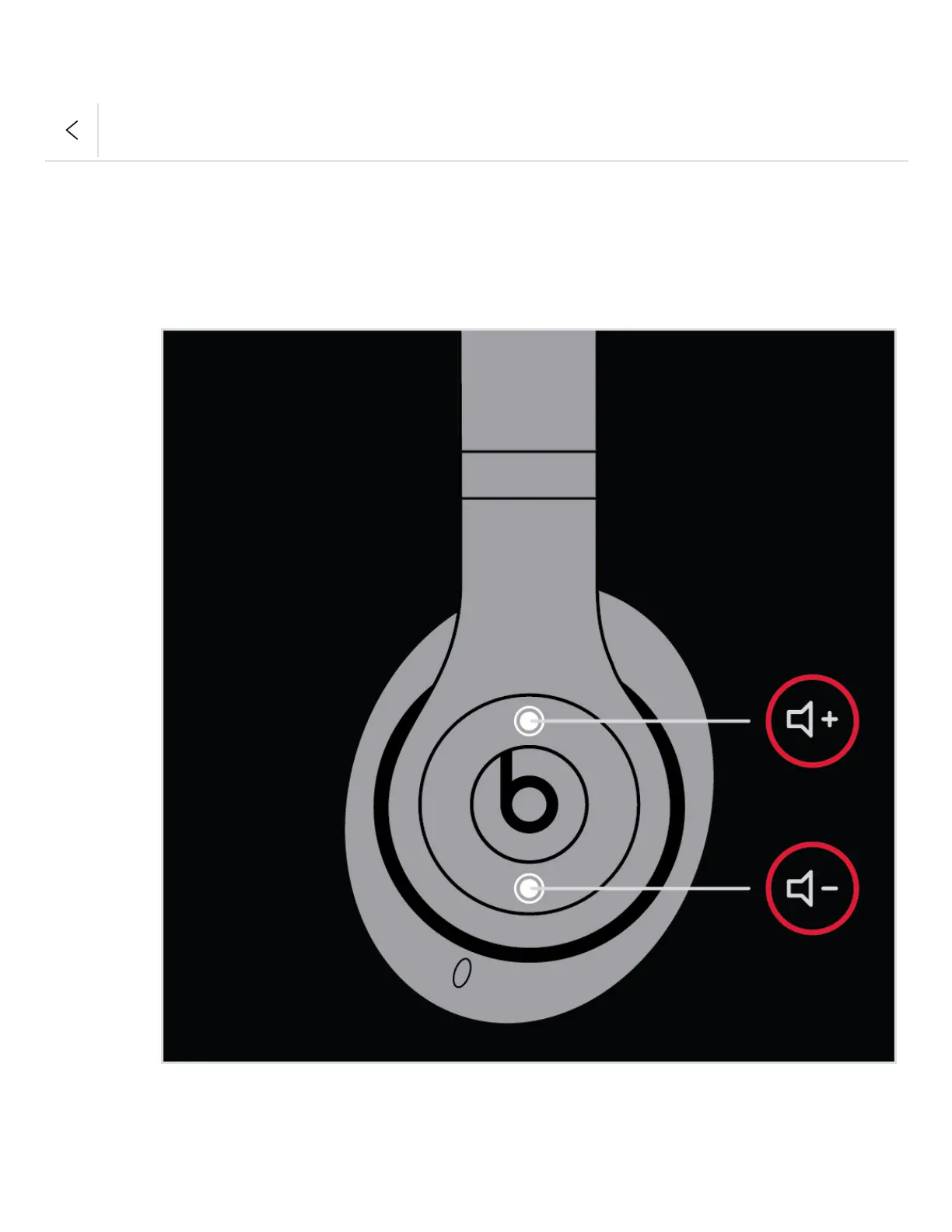
Change the volume
To control the playback volume or call volume, use the volume buttons above and below the
b button on the left earcup. Or you can use the volume buttons on the RemoteTalk cable.
Answer calls
Use the b button on the left earcup, or use the center button on the RemoteTalk cable.
To pause or play a track, press once.
To skip to the next track, press twice. To skip backward, press three times.
To scan forward through a track, press twice and hold on the second press. To scan
backward through a track, press three times and hold on the third press.



 To Next Page