2. Volume too high
Turn the source volume down.
3. Phone not responding to button presses
Make sure that the headset plug is securely connected. For multi-press functions, vary the
speed of presses when you use the remote/mic.
4. Compatibility issues
Remember to install the latest software updates on your device. The inline remote/mic
may have limited functionality with devices that don’t run iOS.
5. Microphone does not pick up sound
o Make sure that the headset plug is securely connected and that the socket is clean
and clear.
o Check that the microphone—located on the back of the remote—isn’t blocked or
covered.
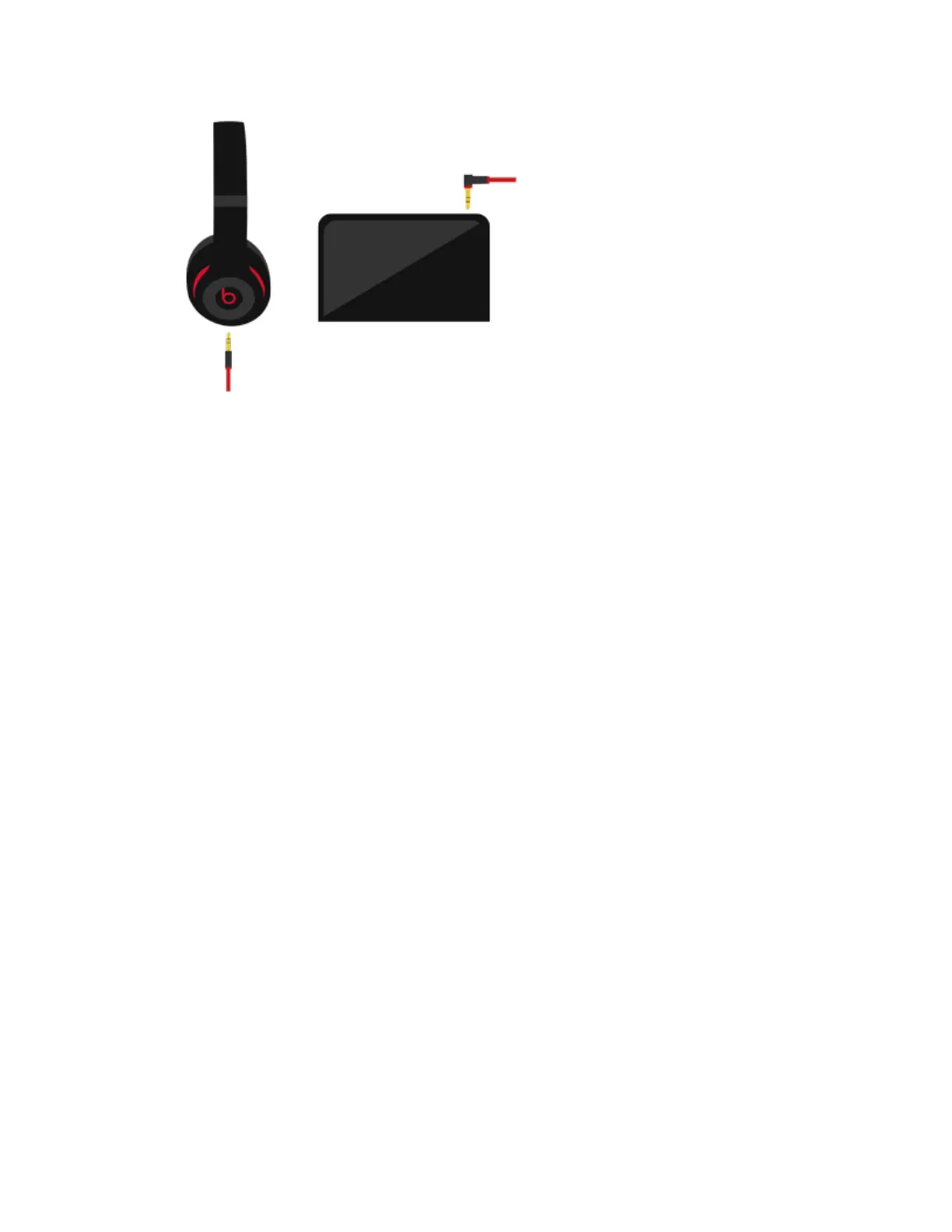
o Make sure the straight-end of the plug is connected to the headphones and the
angled L-shaped plug is connected to the audio source.
o If you're using your Beats with a computer, make sure that your computer
microphone is set to the correct input source.


 To Previous Page